Remember the coastline suddenly appearing beyond the last bend? The children's excitement on the ferry? Or that first evening on your dream island? Some moments come straight back the instant we think of a journey.
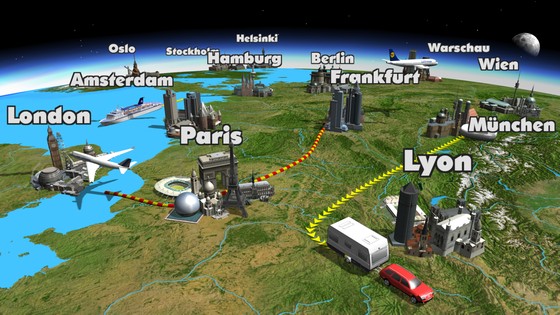
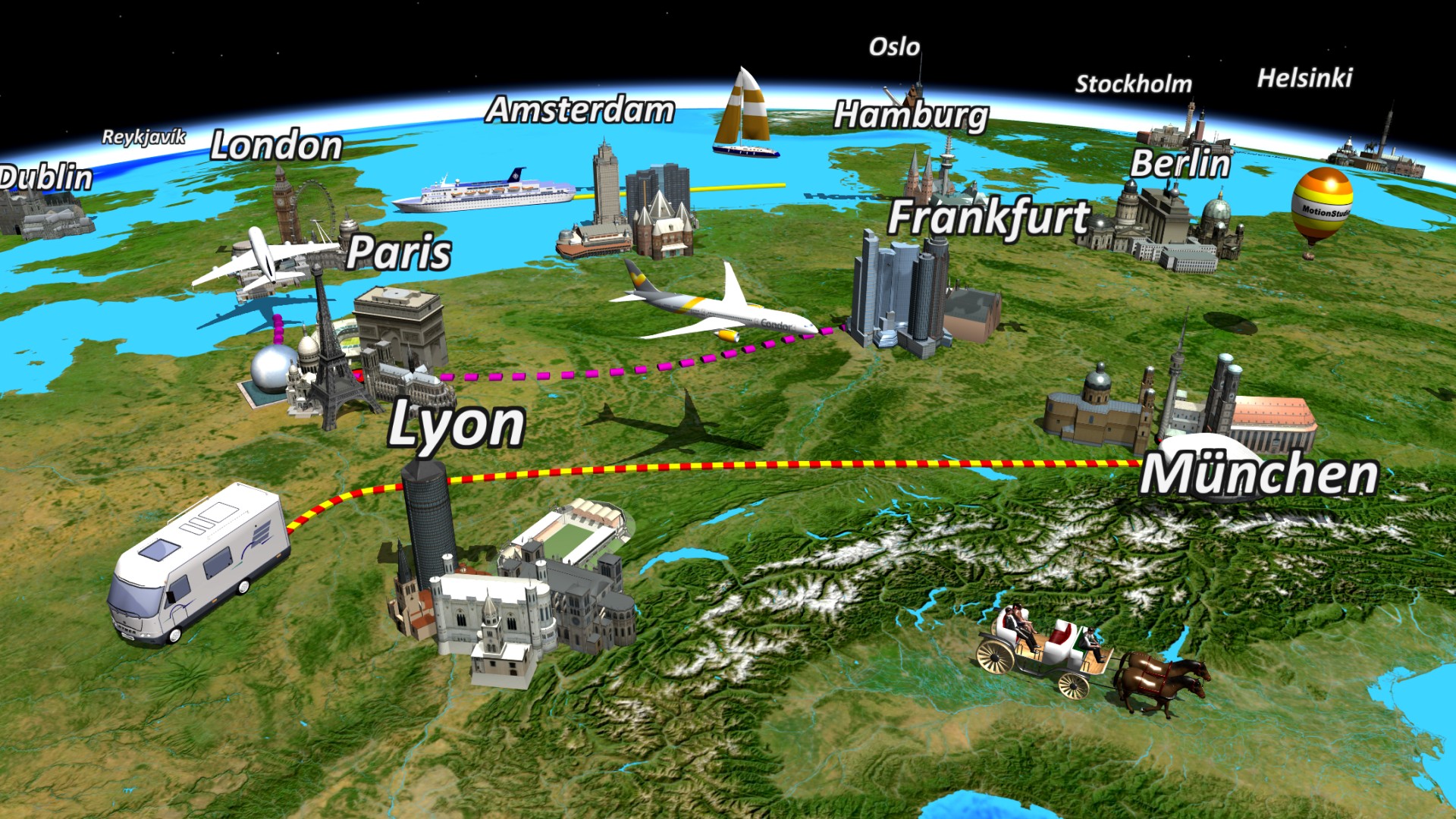
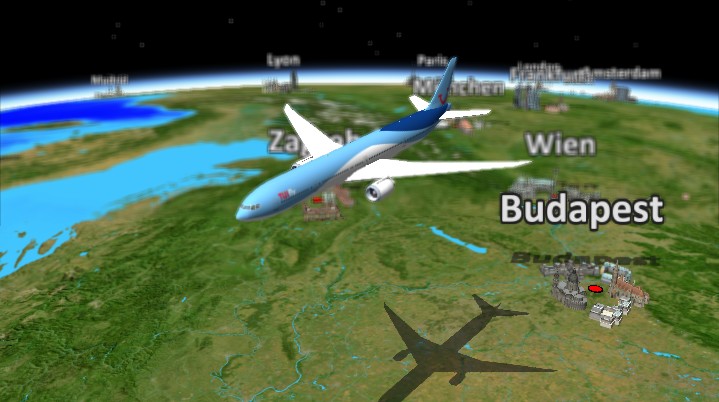
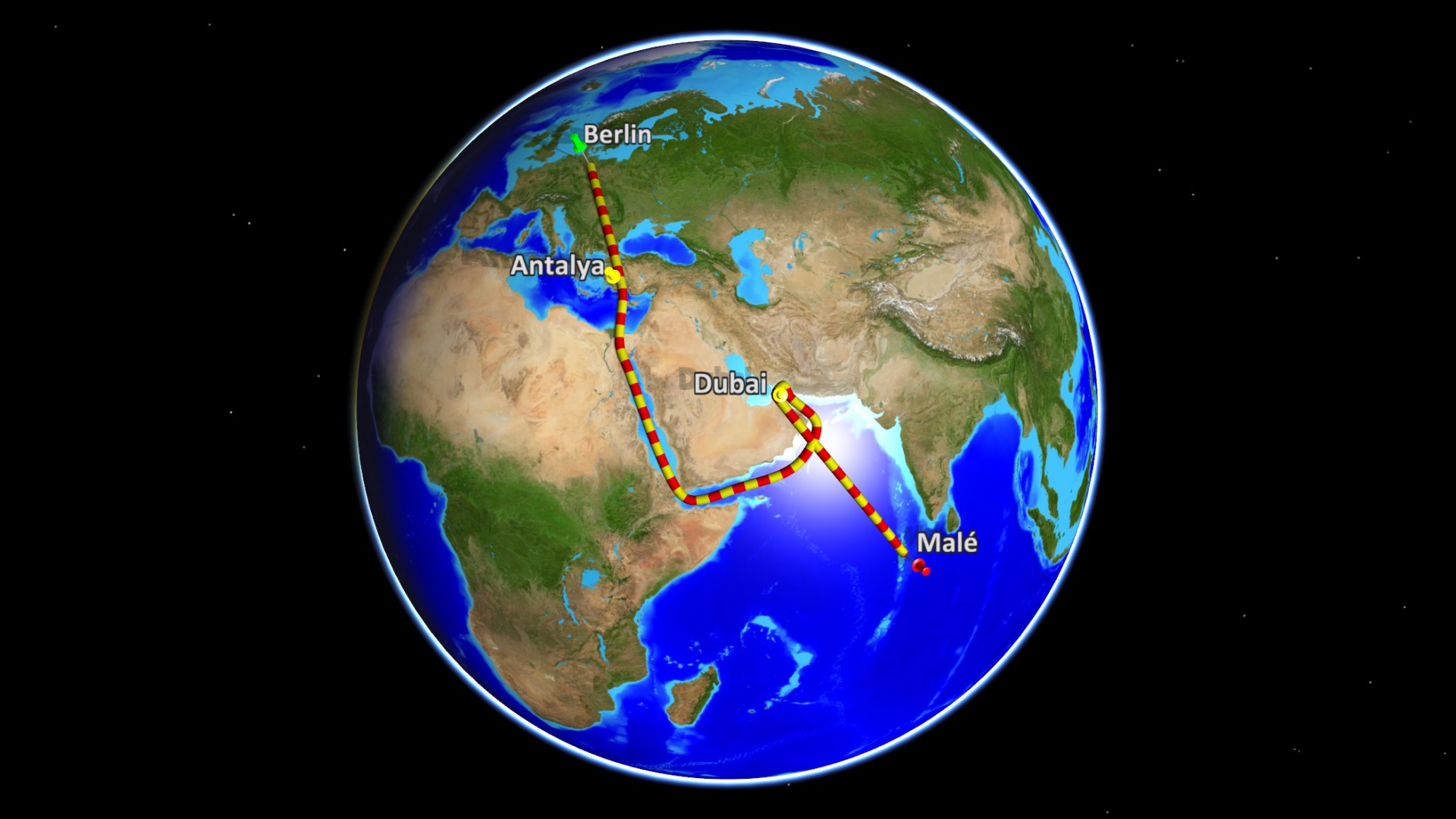
With Vasco da Gama 20, turn those memories into a personal 3D route animation. Follow your journey over land, across the sea or through the air. Share your favourite places with your own photos and captions, choose suitable vehicles and guide the camera to the stops where your story unfolds.
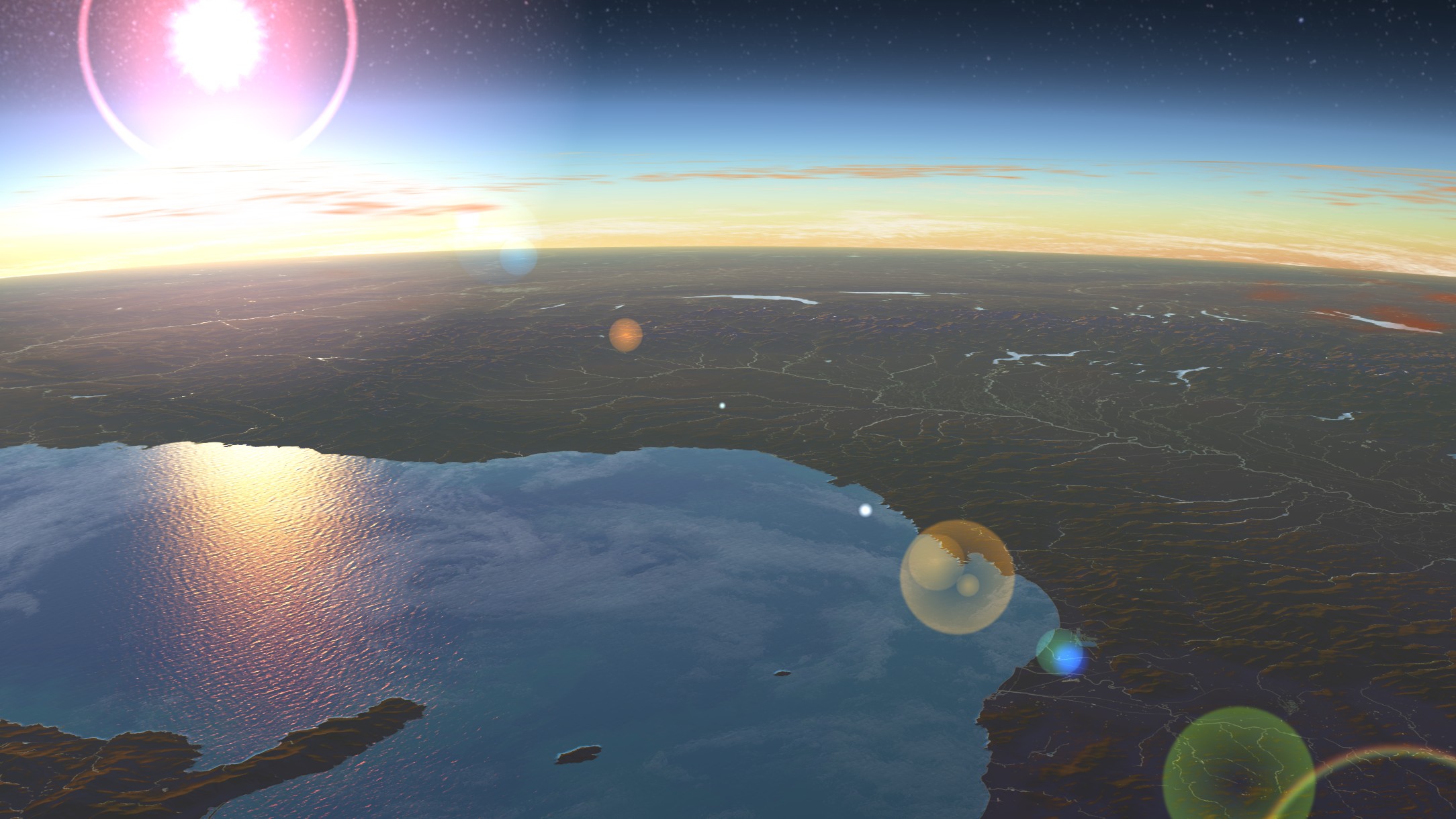
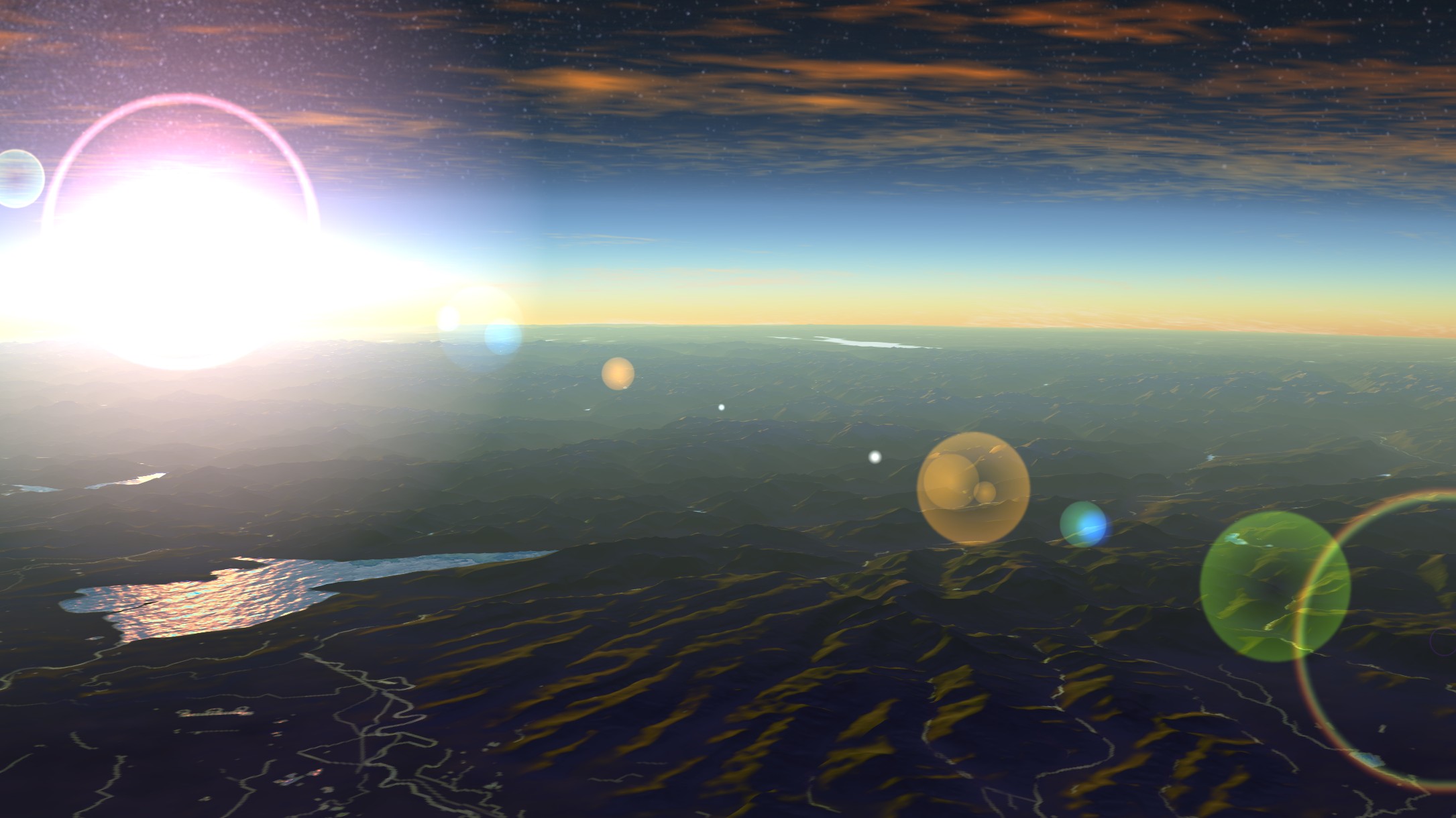
Sculpted clouds, atmospheric sunlight and smooth camera movements set the mood for your scenes. Create a travel film that lets family and friends come along, explore and remember with you. Even a dream trip still ahead of you can begin to take shape.
A family holiday, a grand tour or a long-awaited island escape: tell the story of your journey as personally as you experienced it – or imagined it.
Bring your next journey to life
Discover what's new in Vasco da Gama 20 and find new ways to bring your favourite travel memories to life.
See your journeys in a new light
New in Vasco da Gama 20 HDPro
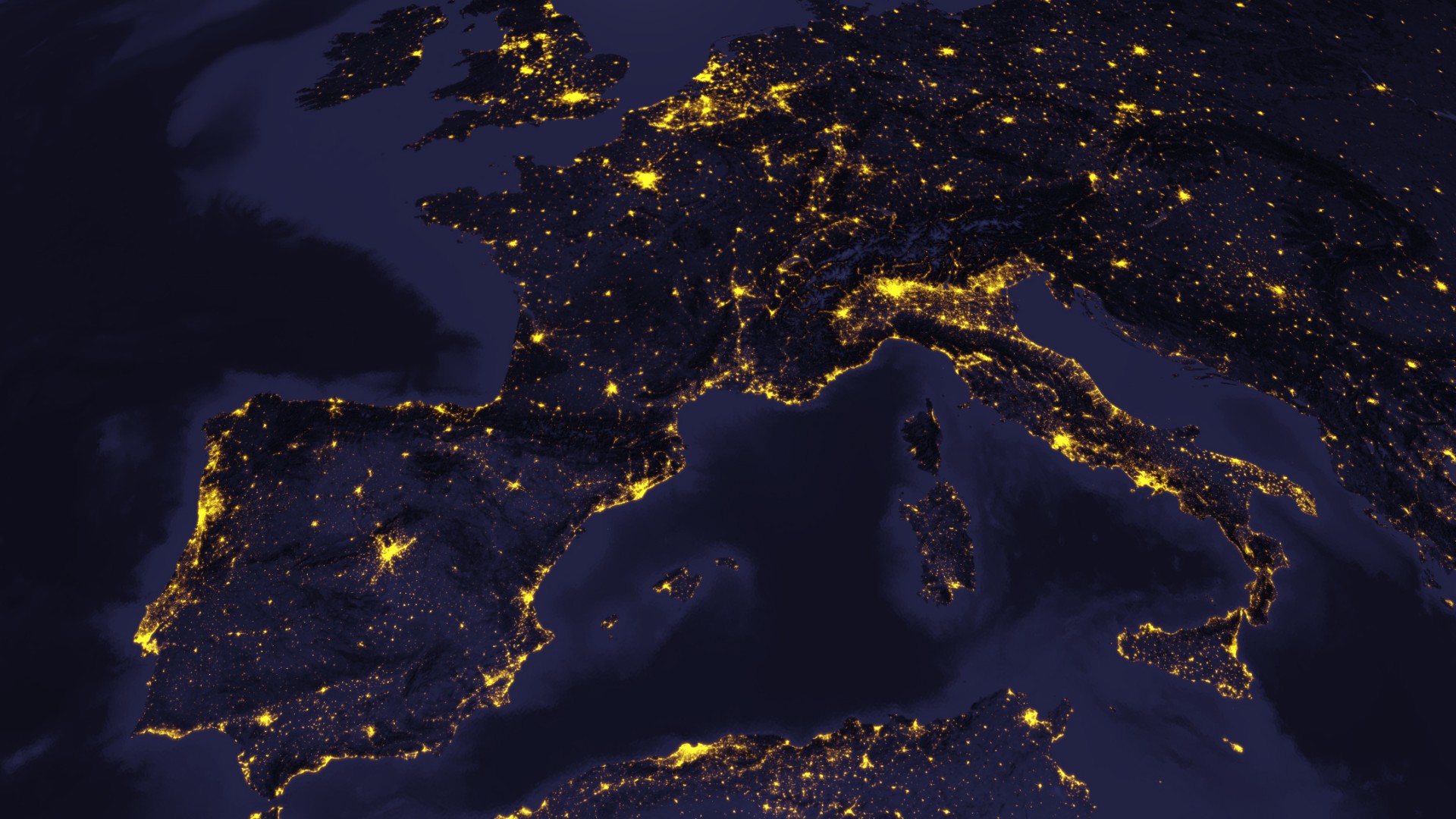
Follow your holiday route again, arrive at your favourite beach and take the family along: with Vasco da Gama 20 HDPro, turn your stops into a moving memory. New clouds drift across the landscape, sunlight sets the mood at your destinations and smoother camera movements connect each stage of the journey.
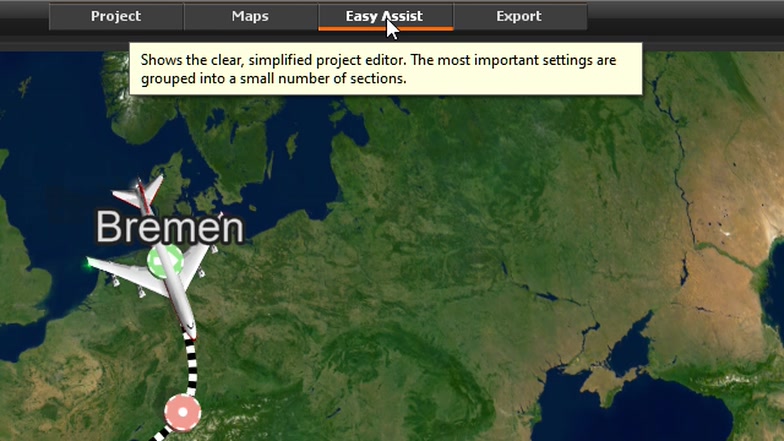
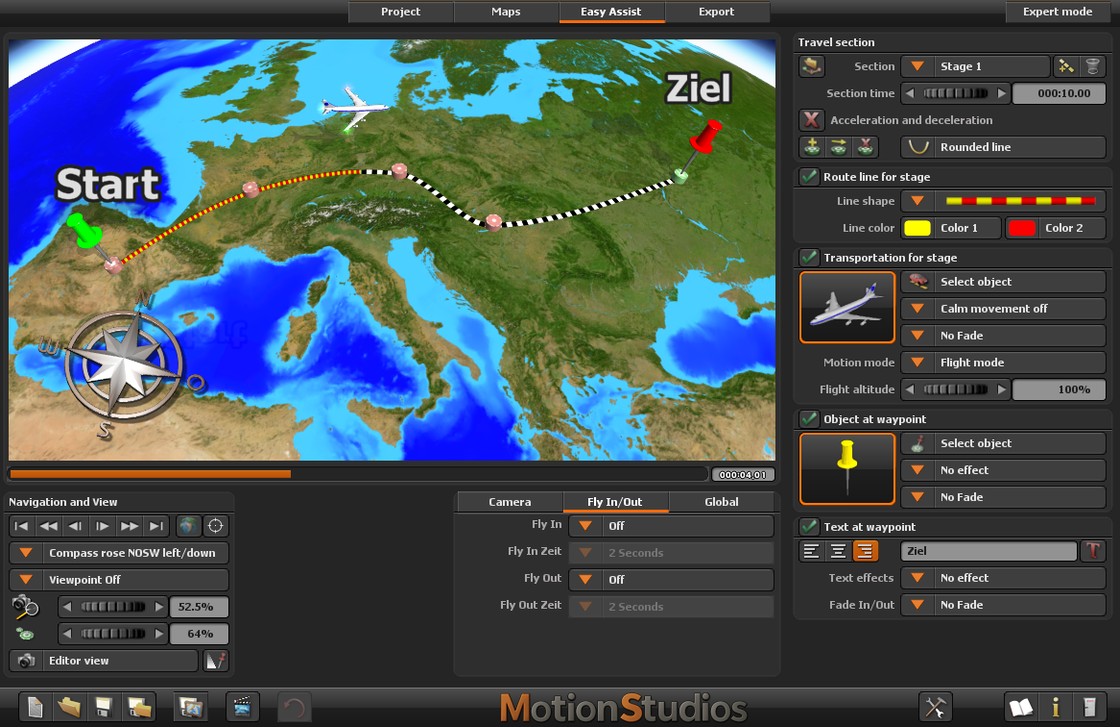
Quick & Easy Assist helps you get started. In Expert mode, you can develop your scenes in your own way. The new features build on the familiar capabilities of HDPro; Mini Help explains settings right beside the controls. Bring your travel idea to life, one step at a time.
New Vehicles that follow the terrain
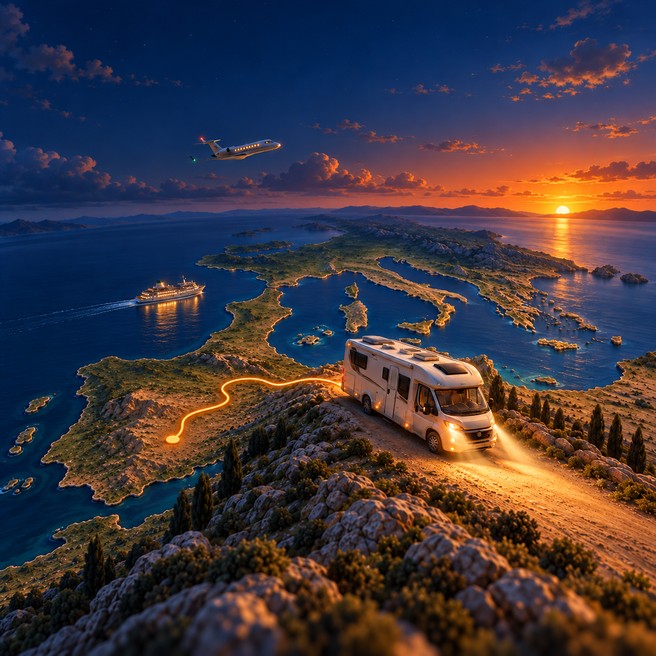
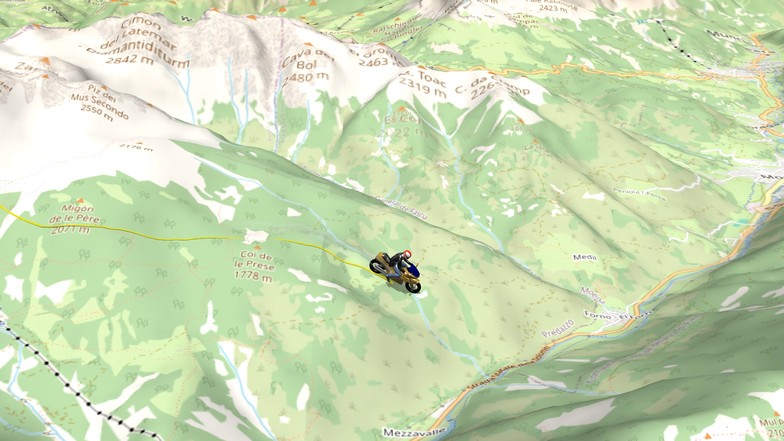
Bend by bend, the mountain road climbs towards the pass. Beyond the next crest lies the view that made the whole drive worthwhile. As your vehicle follows the slopes and gradients, your animation conveys a real sense of the journey.
Compatible vehicles now align more precisely with the ground beneath them. Using the ground contact points defined in the model, Vasco da Gama automatically adjusts their position on uphill, downhill and sideways slopes. Travel across uneven terrain looks more natural.
Bring your mountain journey to life – right up to the final climb.
Natural vehicle tilt on uneven terrain
New When your journey continues after dark
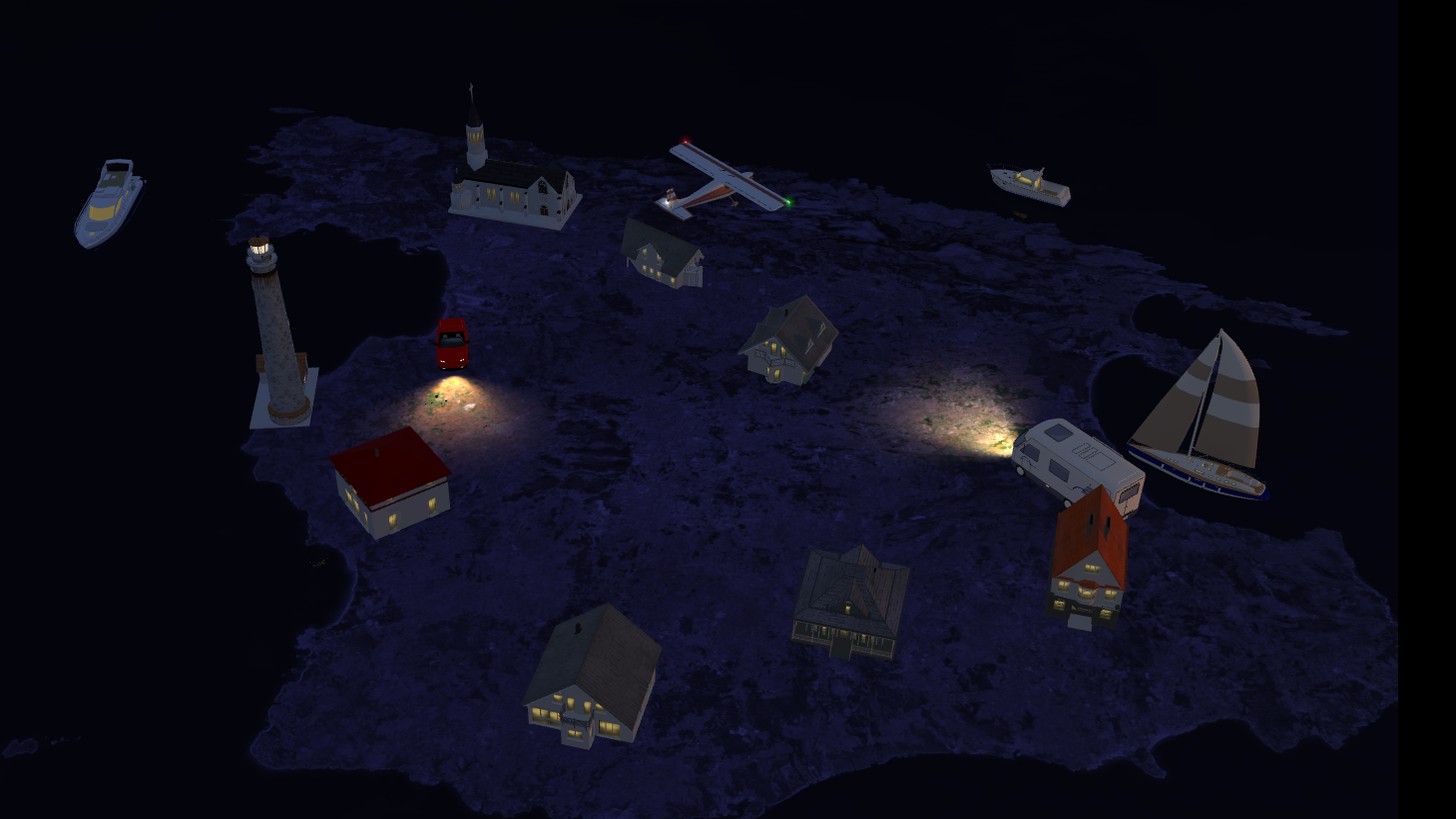
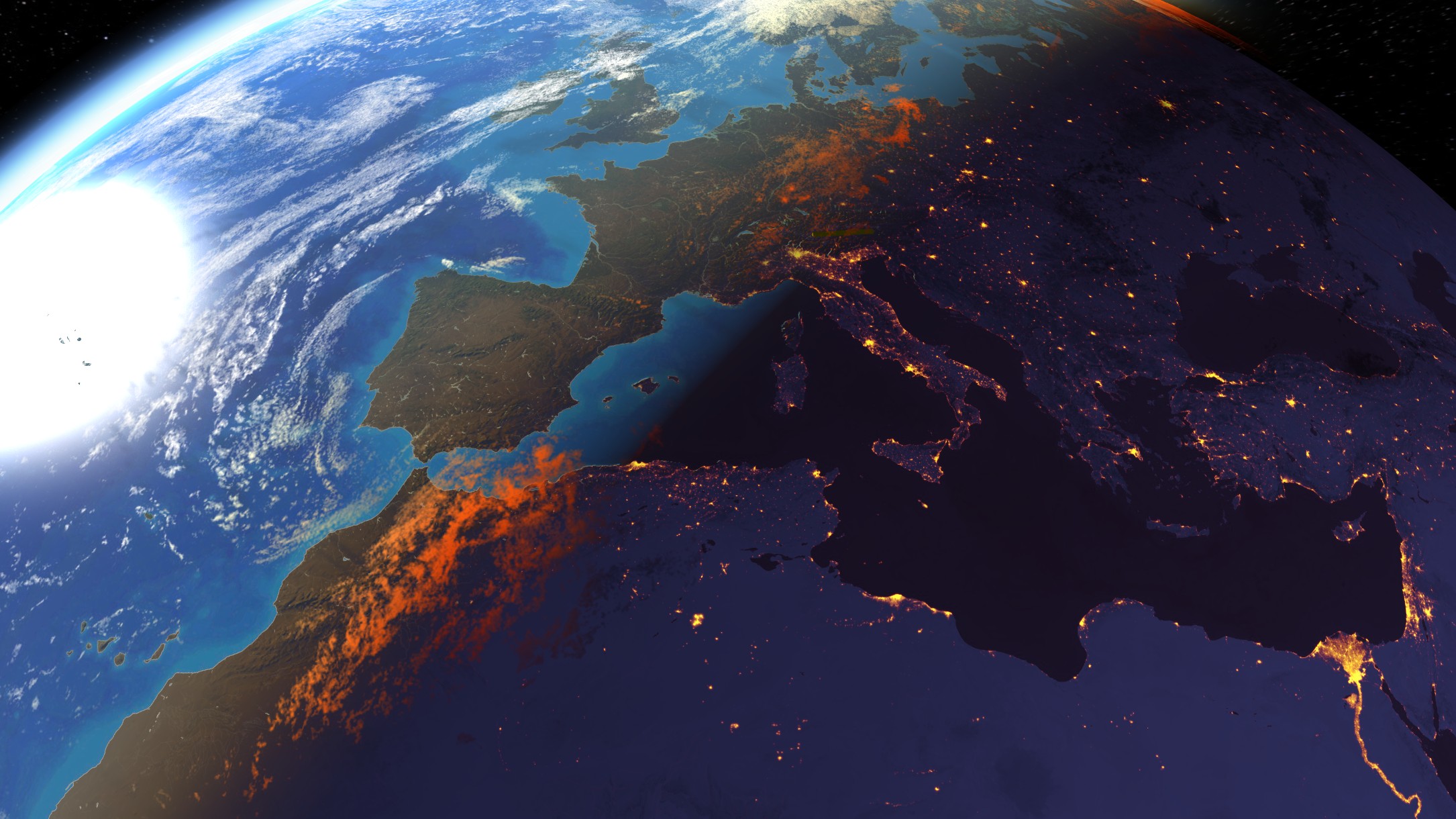
The last stop is behind you, and your headlights illuminate the road ahead. Or your ship is leaving the harbour as lights dance on the dark water. Moments like these have a magic of their own. Now you can share it in your route animations.
Headlights light the way, navigation lights accompany aircraft and ships, and windows and illuminated surfaces appear in the darkness. Prepared 3D models respond automatically to the time of day. Their light beams move with the vehicle, and object lights can be reflected on the water.
Let your journey shine long after sunset.
Vehicle lights and headlights at night
New Keep your favourite places in view
Your favourite bay, that unforgettable mountain village: a photo and a place name turn them into a personal travel memory.
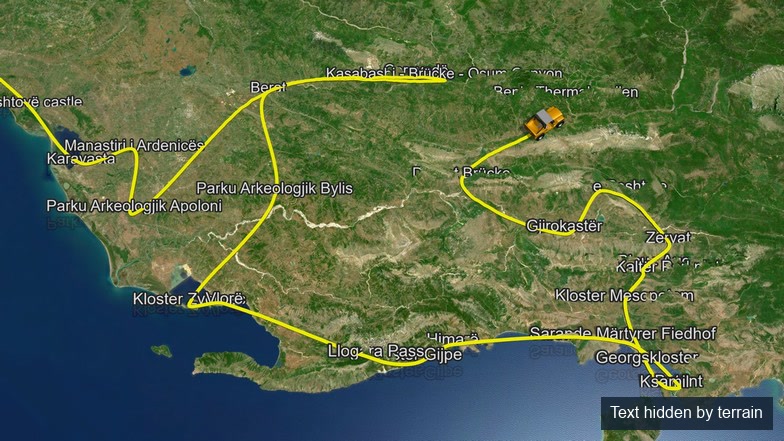
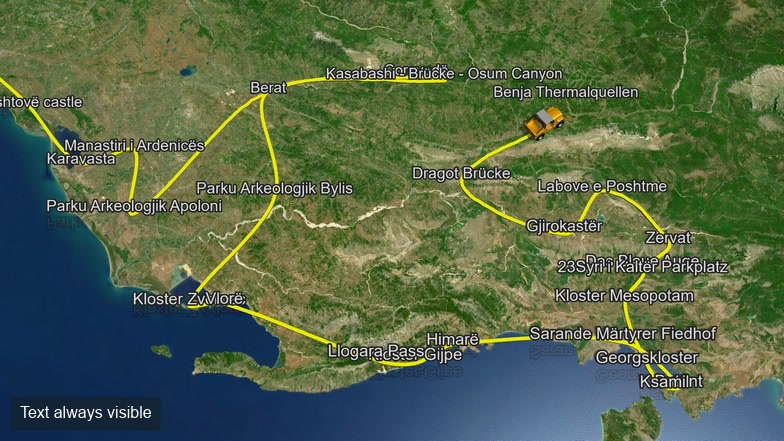
In Vasco da Gama 20, text and images can remain fully visible, even behind a mountain. Or let the terrain obscure them to place them within the landscape.
Give the places that matter to you room to shine.
Left: text always visible · Right: text obscured by terrain · Drag the slider to compare
New A sky full of movement
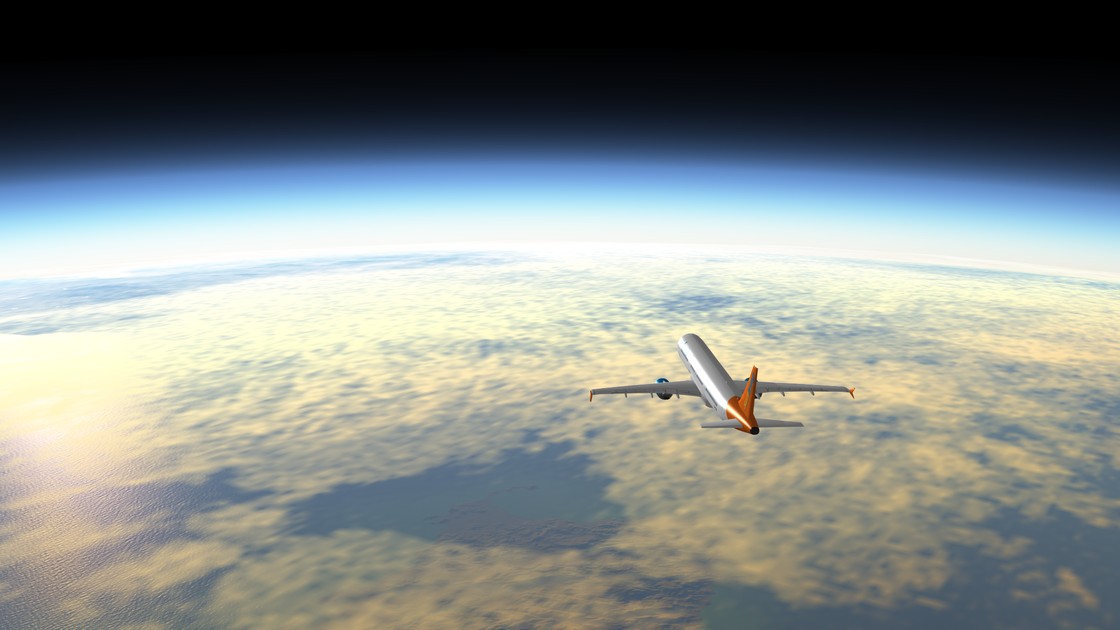
Light clouds above your dream island, towering clouds over the Alps: give each stage the sky that brings your holiday memories back to life.
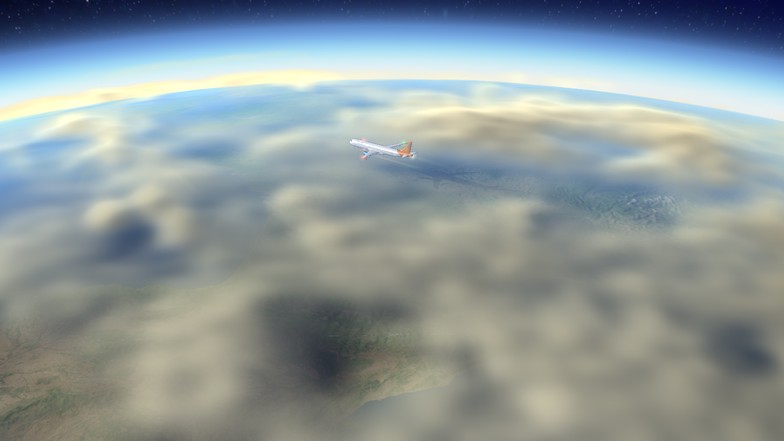
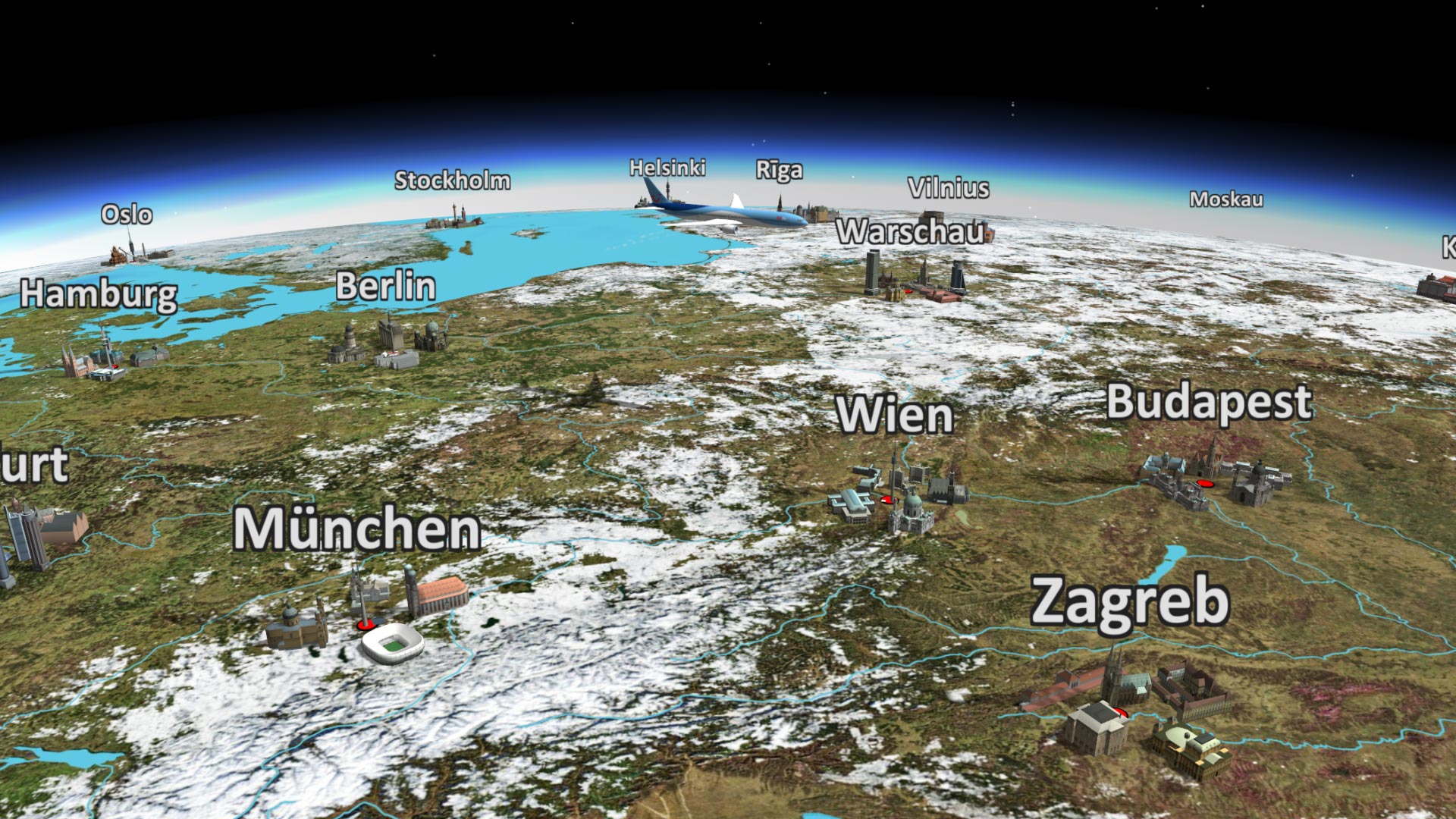
The new cloud system offers four cloud cover levels, with adjustable height, thickness and wind movement. Clouds respond to the sun’s position and cast shadows across the landscape.
Set the right mood for your journey.
Cloud animation with aircraft · heavy cloud cover
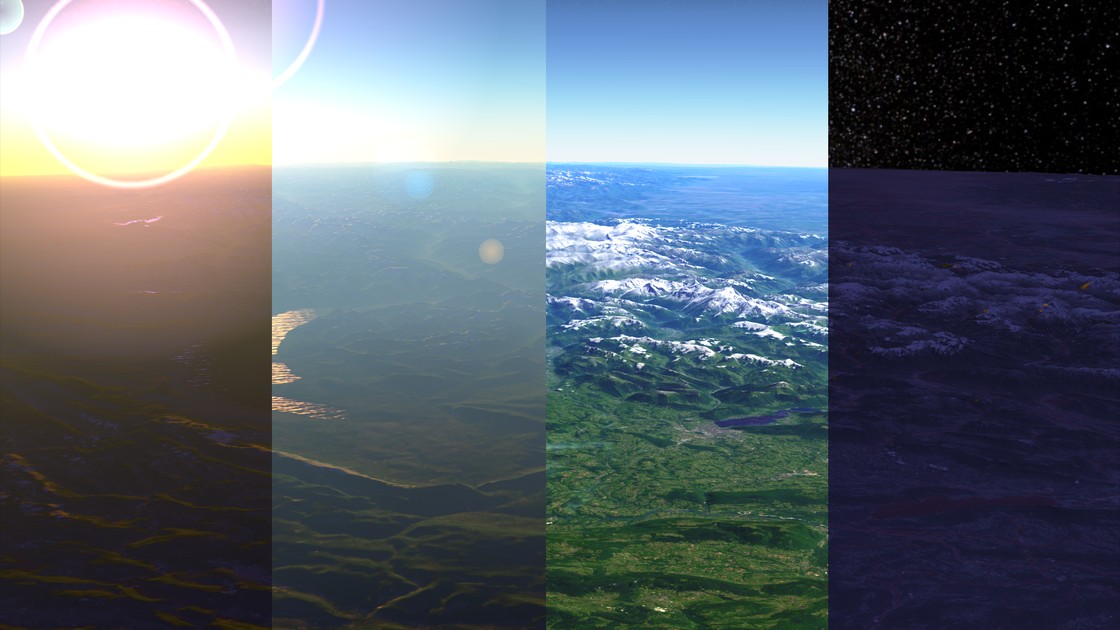
New Sunlight full of atmosphere
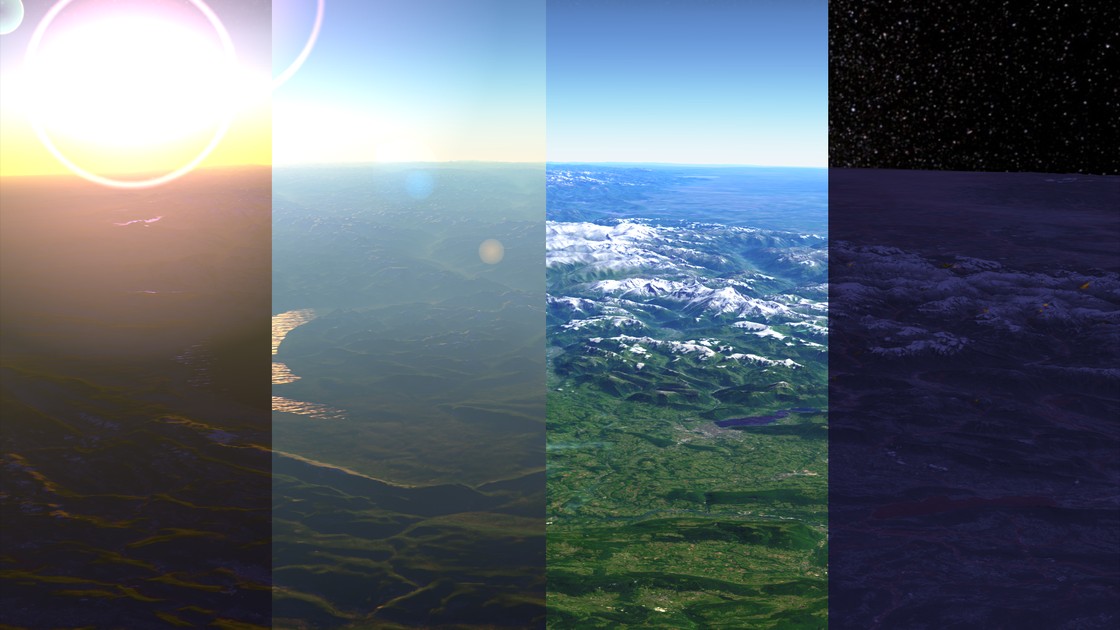
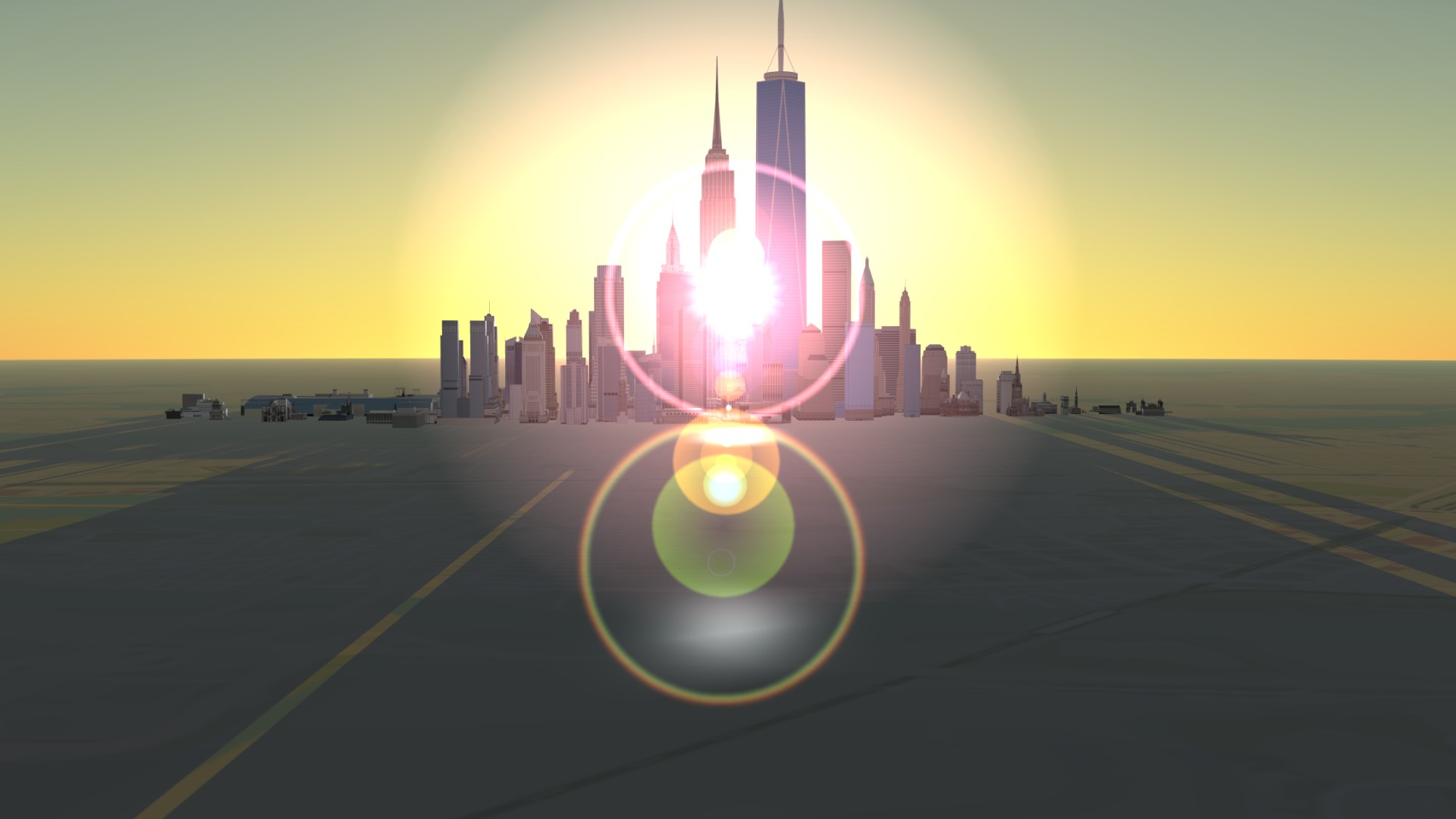
That evening by the sea: the sun is low, the coast glows in warm light and you wish you could hold on to the moment. Give your animated travel scenes that same feeling. Visible sunbeams break through haze and between mountains, adding depth to the landscape.
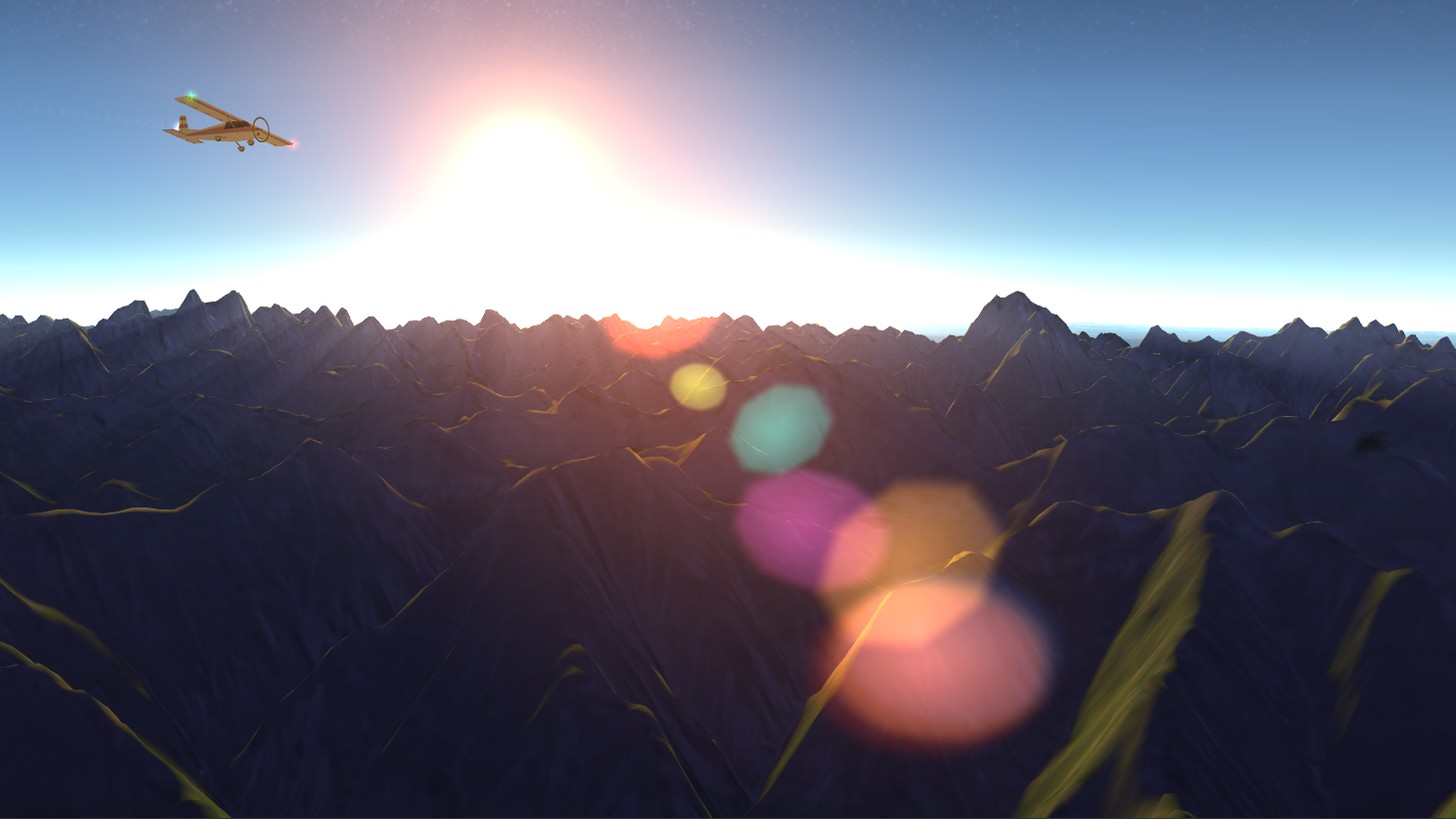
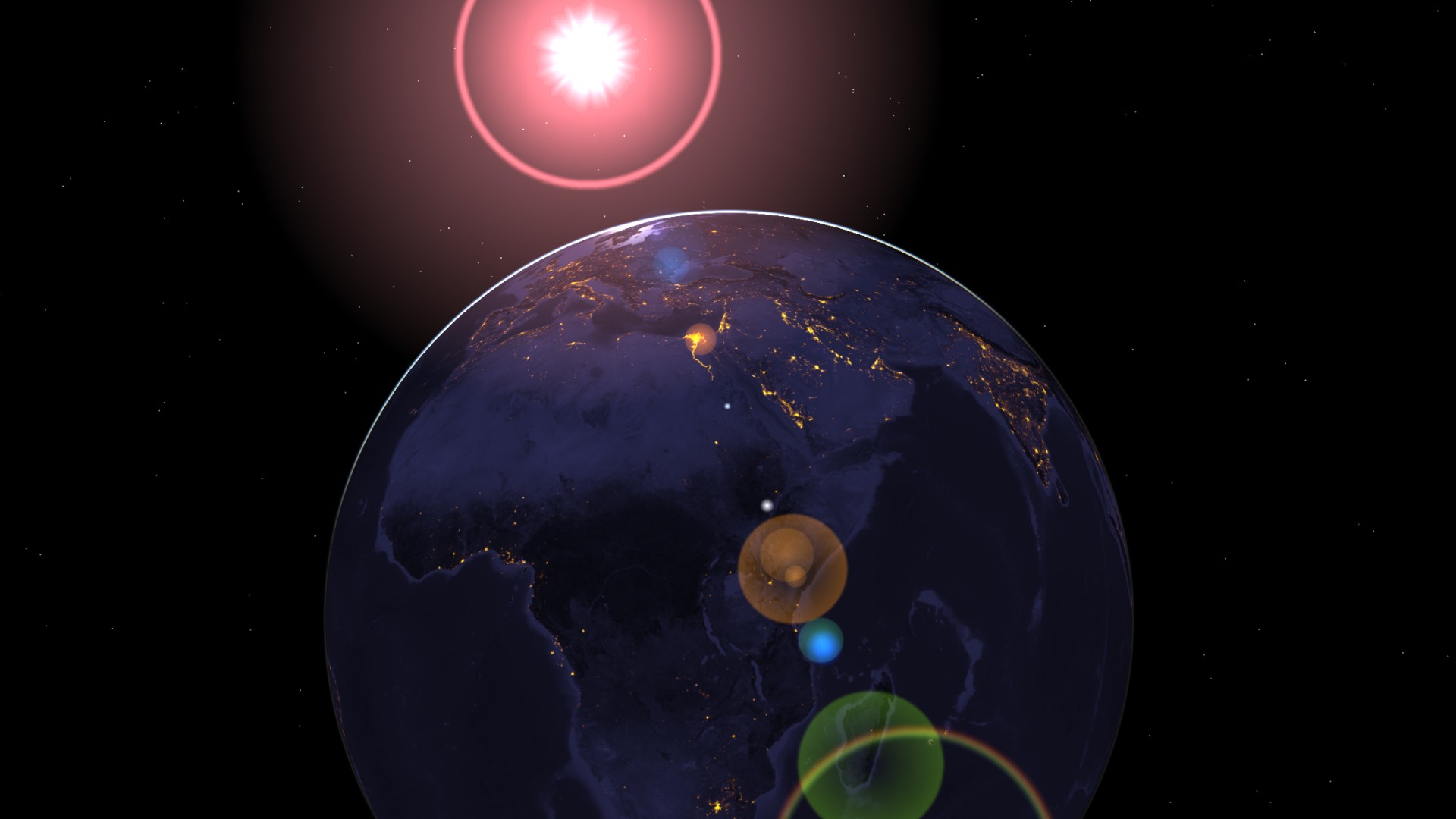
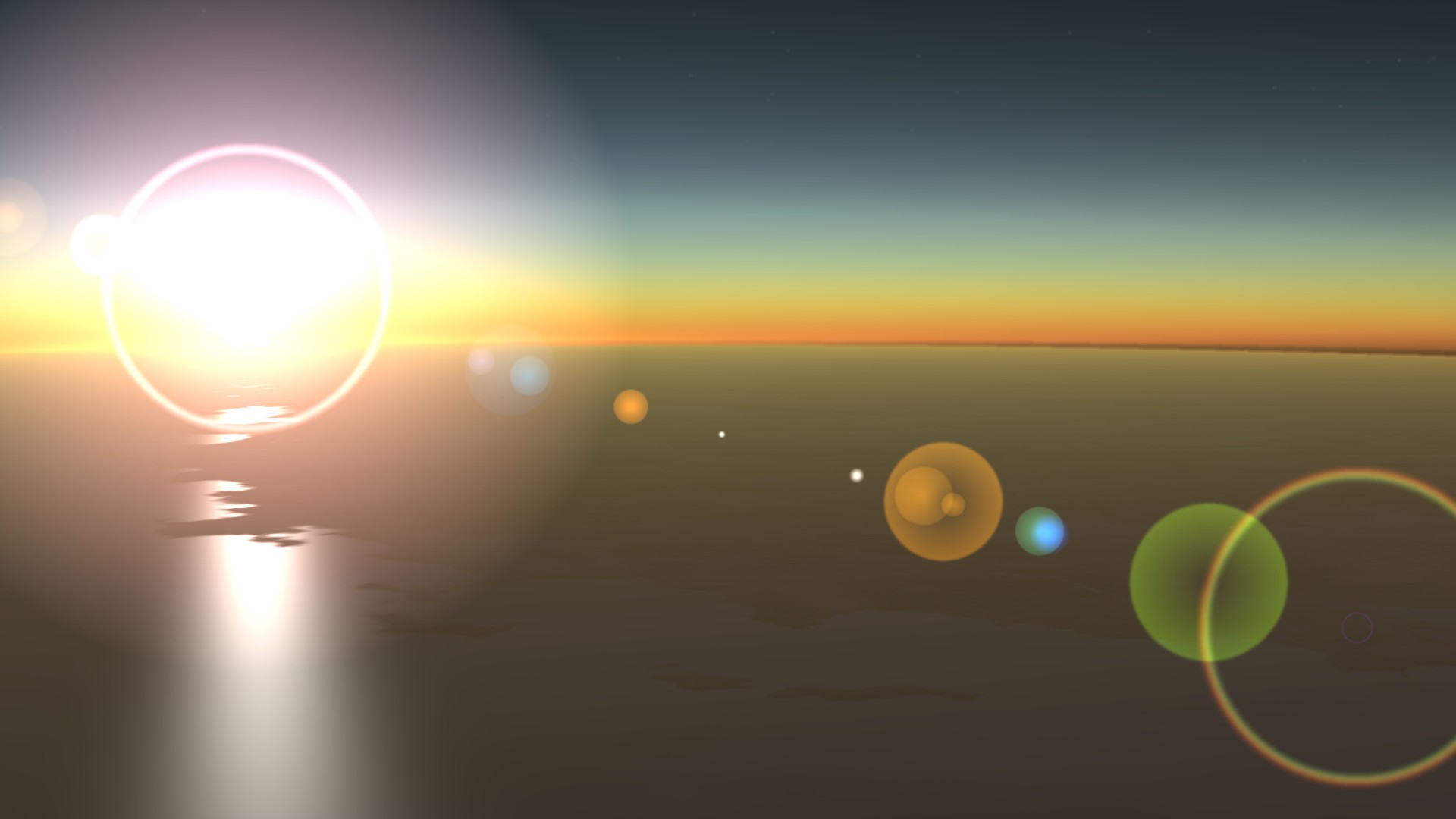
Seven new lens flare styles join the classic effect. From gentle reflections and a bright starburst to a warm sun glow, choose the look for your dream journey. Soft transitions let the flares appear and disappear smoothly. Refined terrain and cloud shadows, along with subtler transitions between day, twilight and night, complete the atmosphere.
Show your favourite travel moments in the light you remember.
Sunbeams and new lens flares
New Lively trails in the sky, on land and on the water
A contrail heading towards the holidays, a wake behind the ferry: small details let us relive a journey.
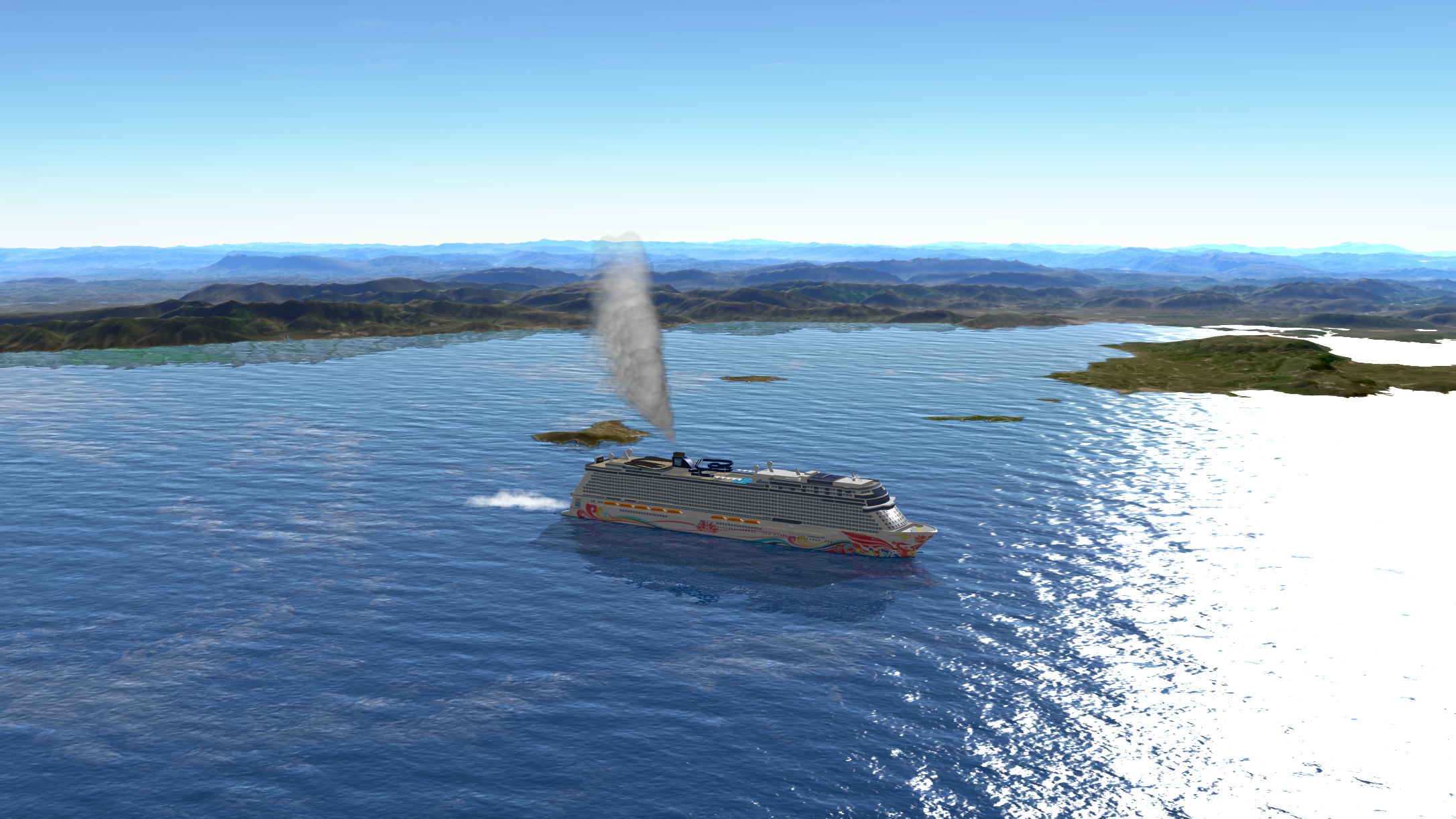
The new particle system brings contrails, wakes, ship and chimney smoke, locomotive steam and car exhaust to life. Effects blend more naturally with the landscape, shadows and reflections. Ship wakes follow the waves; improved water reflections complete the scene.
Let your viewers discover the details that make your journey special.
Contrails, wakes, smoke and exhaust
New Fade objects and text in at the start and out at your destination
The journey begins and your scene comes to life. At the destination, the elements accompanying your journey gently fade away.
Stopover objects and their text, as well as freely placed objects and text, can now fade in at the starting point and out at the endpoint. Give your journey an atmospheric opening and a fitting finish.
Fades at the starting point and endpoint
New Camera movements with smooth transitions
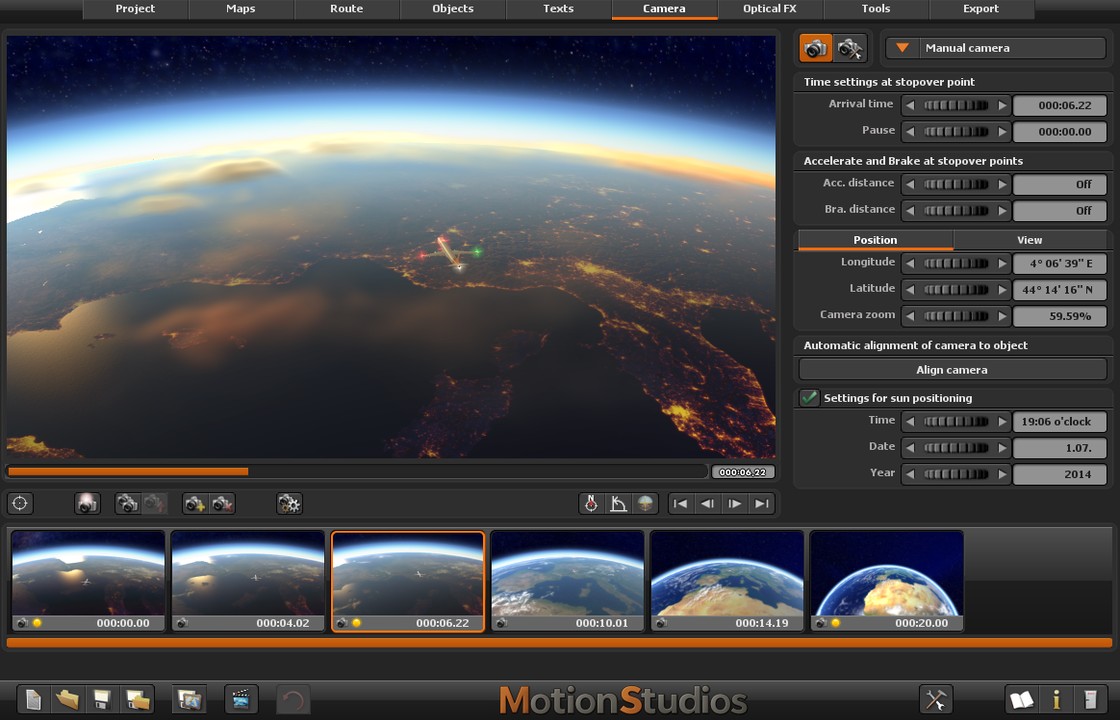
First, the whole world lies before you. Then the coast draws closer, your holiday island fills the frame and the camera guides you to the place of your favourite memory. A smooth camera journey connects these views into one continuous travel moment.
Large zooms combined with movement across the map now progress more evenly. Different speeds on successive route sections also blend more smoothly. Camera and vehicle movements feel calmer, without having to refine every transition individually.
Take your viewers along – from dreaming of a journey to arriving there.
Camera movements compared side by side
New The explanation you need, right beside the control
Your next travel scene is already in your mind. The new Mini Help brings it within reach, explaining each function right beside its button or input field.
More detailed guidance makes getting started easier and helps you rediscover settings you rarely use.
Keep your idea in focus – the explanation is close at hand.
Mini Help beside the control
New Find things faster, edit more easily
Add your holiday destination, choose a font, position the vehicle: small steps make your travel story personal.
Navigate lists faster with the mouse wheel and keyboard. A letter or number takes you to a matching entry; press it again for the next match. Clear outlines highlight selected objects. The guide line remains visible while editing, even when the route line is hidden in the finished film.
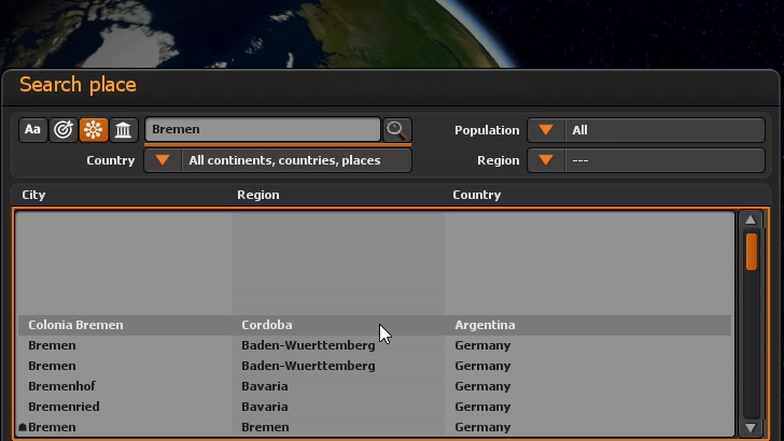
Location search with a clear selection list
New Reopen your projects more easily
An evening with the family, a rediscovered holiday photo – and suddenly you want to share that journey again or add another memory. Even if your project has moved to a different location, Vasco da Gama 20 helps you open it again.
The program also searches the project folder and its images subfolder for moved project pictures. You can adjust the EarthMaps data path to its current location. This makes it easier to archive and transfer your travel projects.
New More detail on 3D surfaces
As the camera approaches a vehicle or building, details matter. More pronounced joints, cladding and other surface textures give your 3D objects character and make close-up views more engaging.
Additional height information creates this sense of depth on suitably prepared models. Objects gain visible surface detail without requiring more complex modelling.
New More efficient processing behind the scenes
Your travel story grows with every stage. You add pictures, set vehicles in motion and explore how clouds and light work together. Vasco da Gama 20 handles many tasks more efficiently, helping you develop your ideas comfortably.
Processing has been optimised for objects, animations, clouds and particles. Improvements to map processing, visibility checks and coordination between the processor and graphics card support work on larger projects.
Text also fades in and out more smoothly during camera movements in the preview. Calmer transitions make it easier to judge the flow of your animation and the effect of your captions. Improvements to stability and graphics card compatibility complement these optimisations.
Enjoy the anticipation of your finished travel film while you create it.
More features for your travel videos
Every climb tells part of your story
The long climb to the pass, the descent into the valley, the final stretch to the summit: some routes stay with us because of their ups and downs. The elevation profile makes this part of your journey visible. GPS coordinates and elevation data show the shape of your route; customise colours and profile styles to suit your travel film.
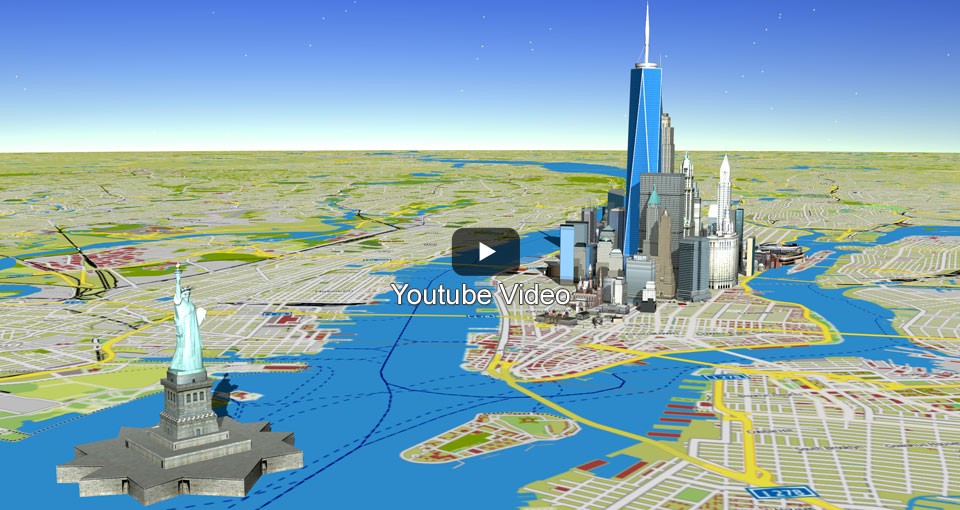
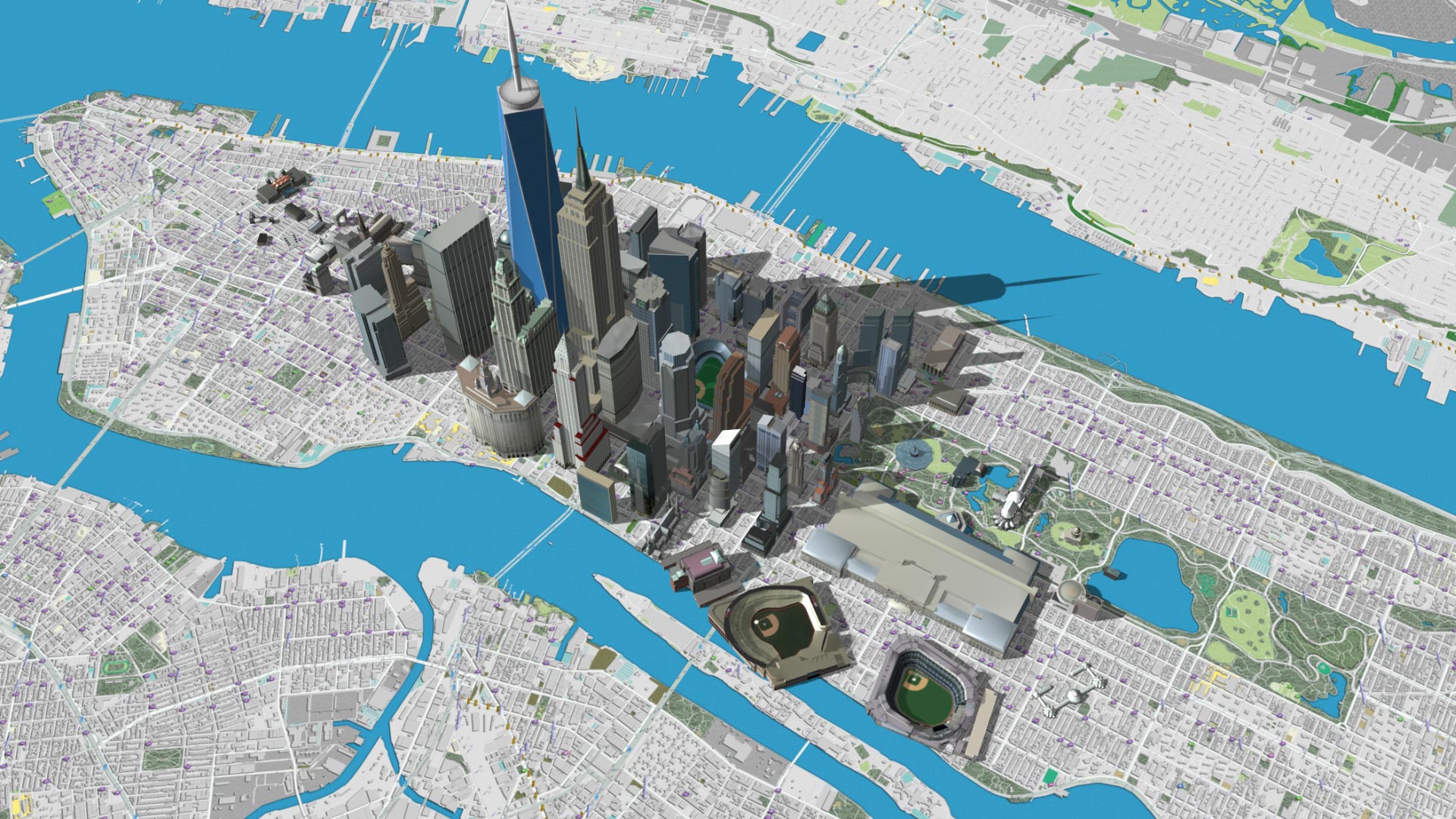
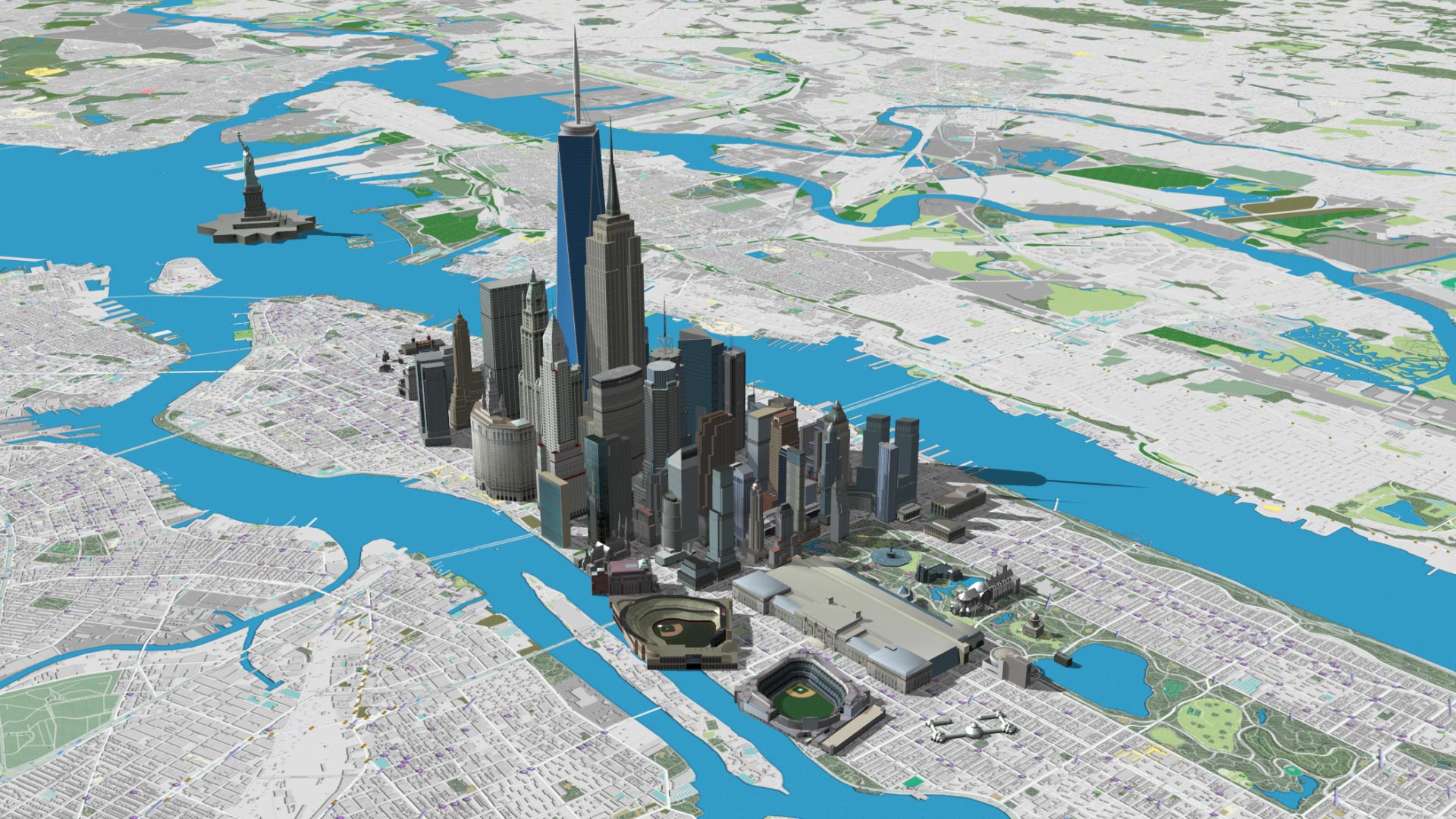
New York – the moment the skyline comes into view
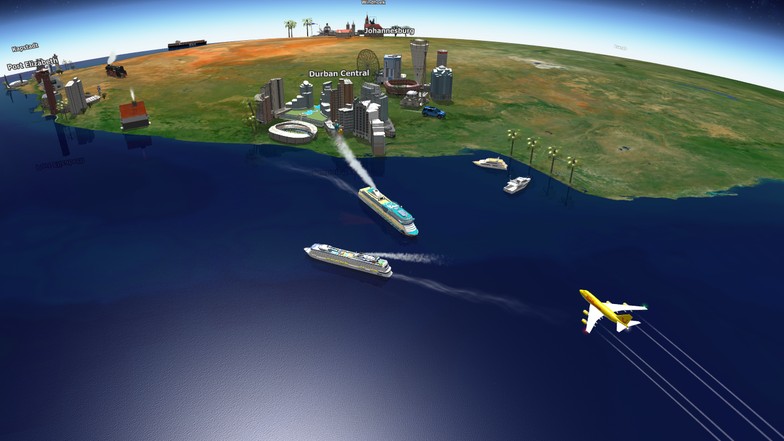
First an outline on the horizon, then the skyline of New York appears before you. Follow the ship along the Hudson River, past the Statue of Liberty and towards a city full of possibilities. This example shows how arriving by water can become a memorable moment in your travel film.
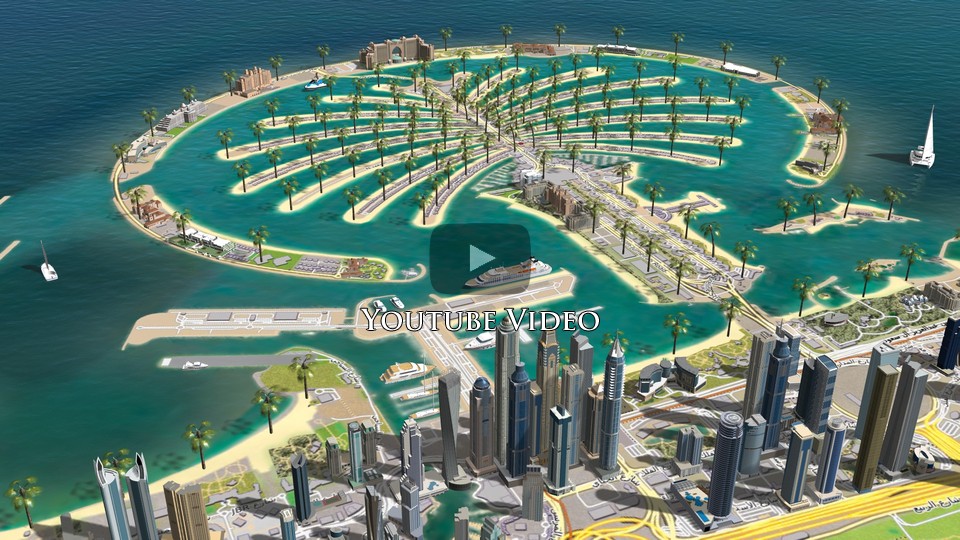
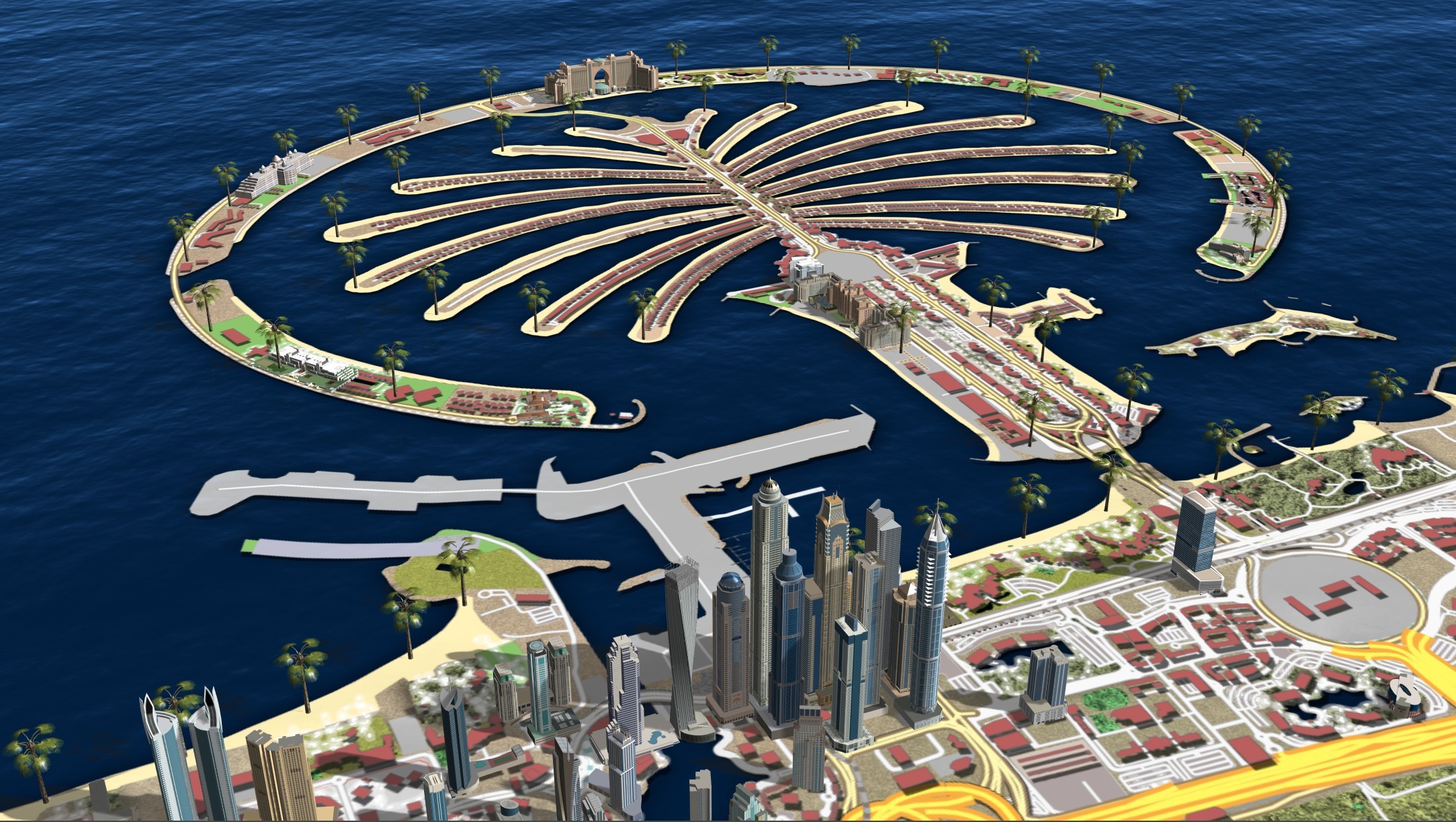
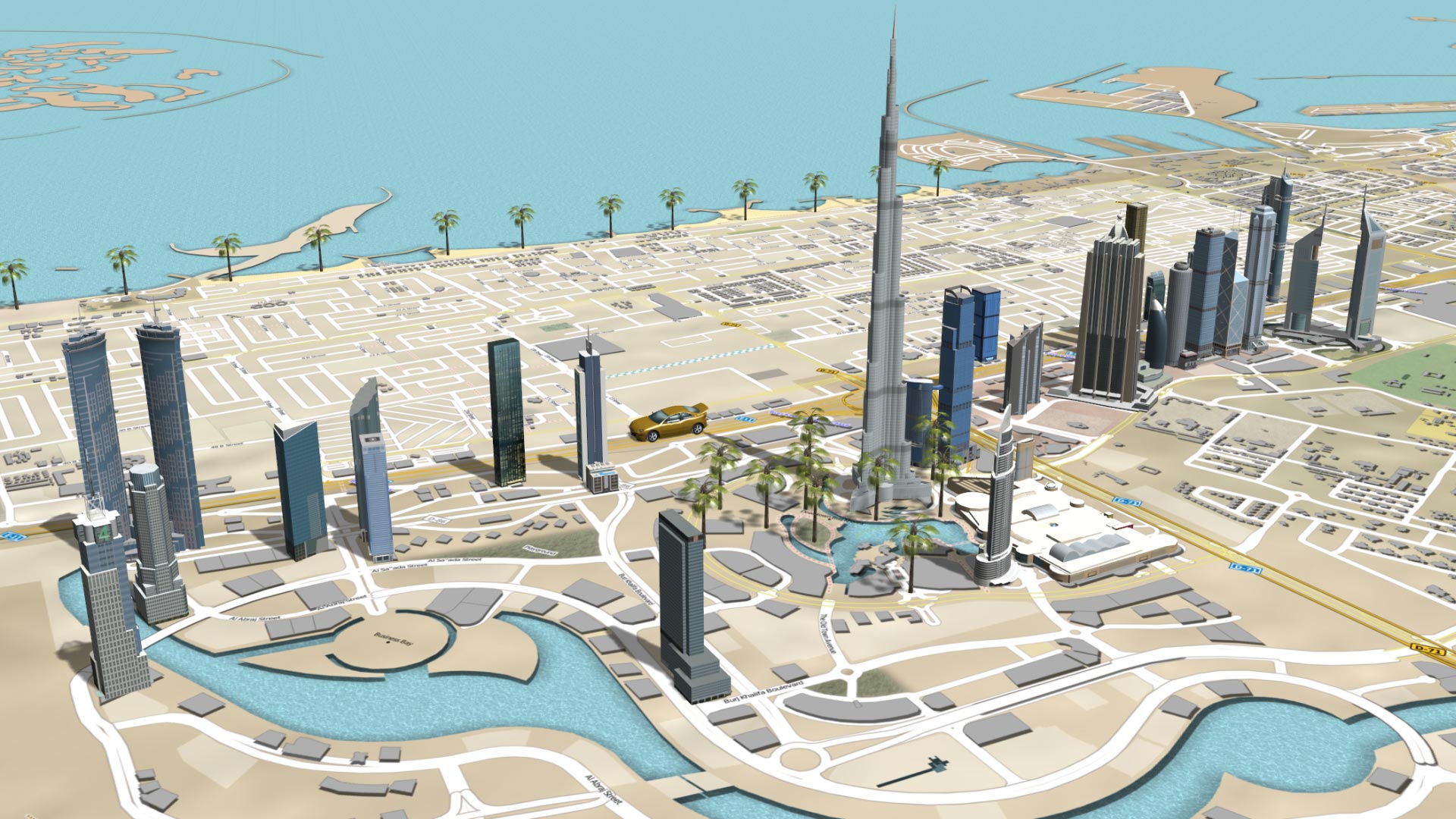
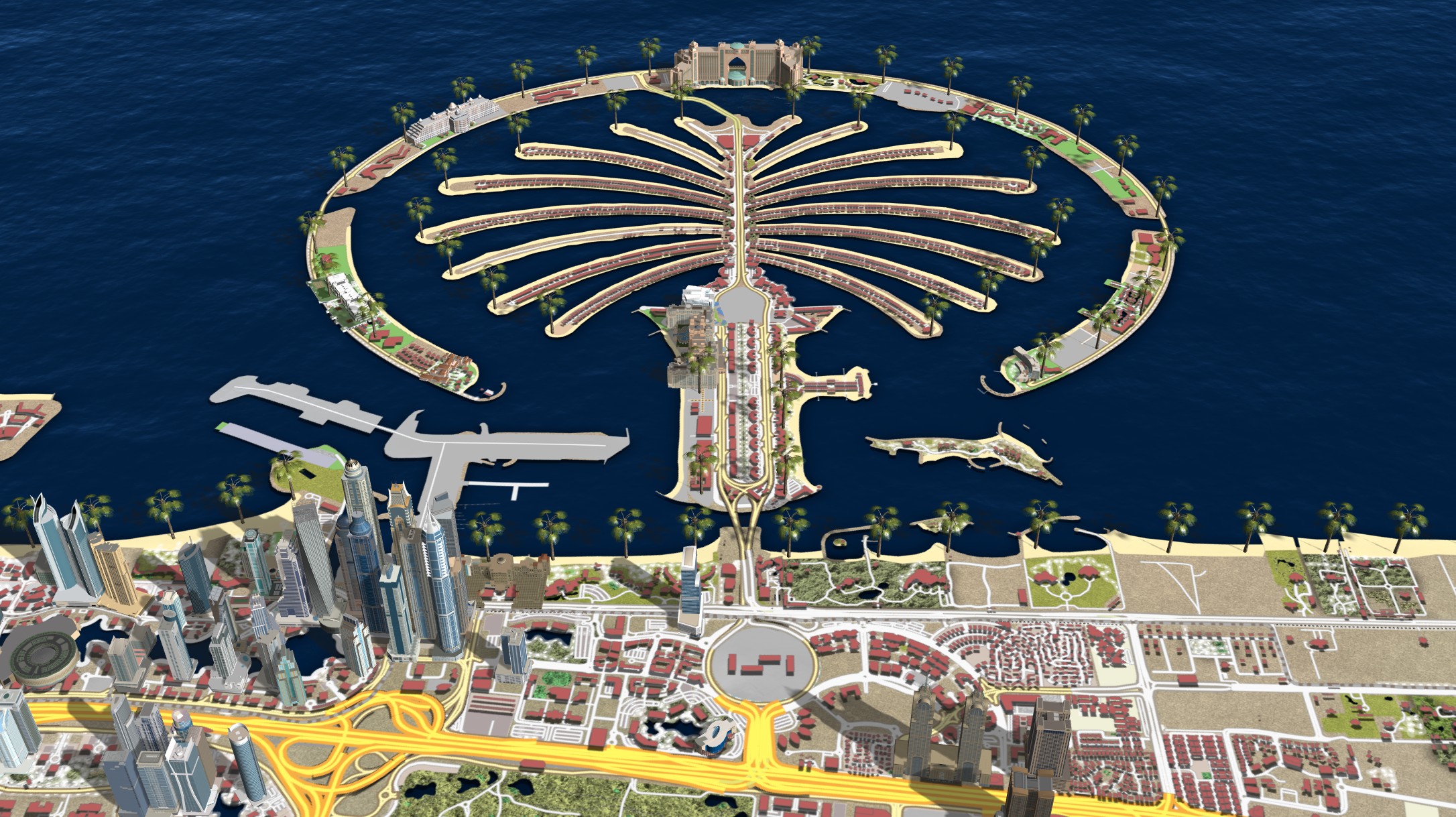
Dubai – between island dreams and skyscrapers
Palm Jumeirah spreads out beneath you, with skyscrapers meeting the blue sea beyond. Discover Dubai from a perspective that sparks dreams of your next journey. This example combines views of the coast with the city's distinctive skyline.
The right map for the mood of your journey
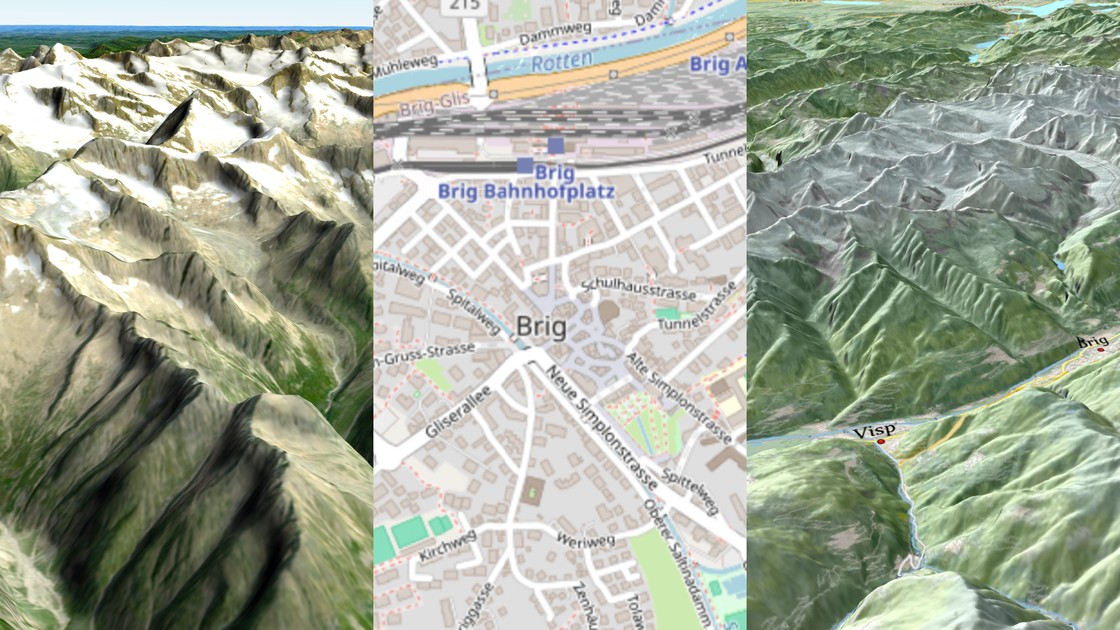
The shores of your dream island, the streets of a favourite city or a sweeping view of the Earth: the map itself helps shape the feeling of your journey. Choose the cloud map style that suits your memories and your story.
SatMapPro 2 – a natural backdrop for your journey. Mountain ranges, coastlines and open landscapes give your route its character. SatMapPro 2 presents the Earth with natural textures and finely balanced colours – a backdrop for the places you have visited or still dream of discovering.
Shiny Earth Maps – a gentle glow for grand travel plans. Soft light, subtle colour gradients and a delicate sheen give your globe a calm presence. Let the view wander across the Earth and lead your viewers from the wider world to your personal destination.
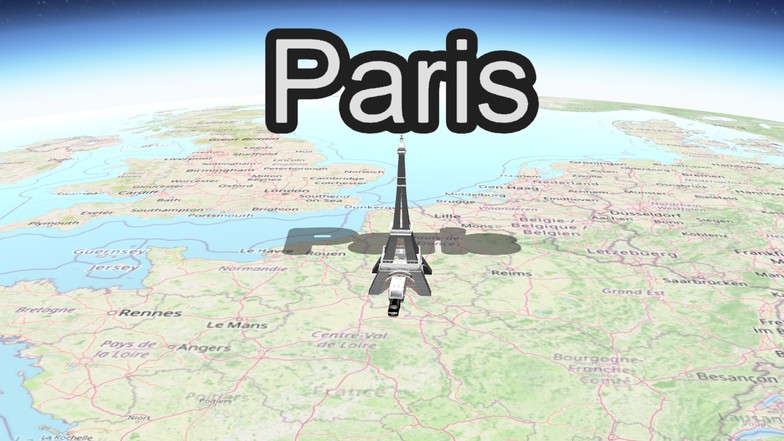
OpenStreetMaps – follow your own path. The road to your holiday home, a walk through the old town or the stages of a grand tour: roads, paths and place names help viewers follow your journey on the map. Ideal when you want to show exactly where you travelled.
The map sources shown here are available free of charge in the cloud until 31 December 2027. Choose a suitable map for your next travel story without installing the map collection locally first.
Cartoon World – a lighter side to your holiday
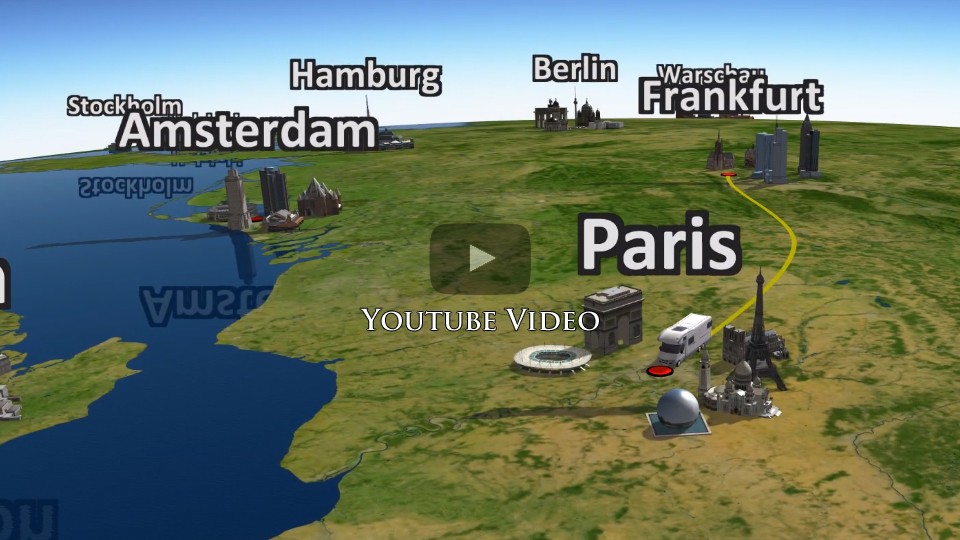
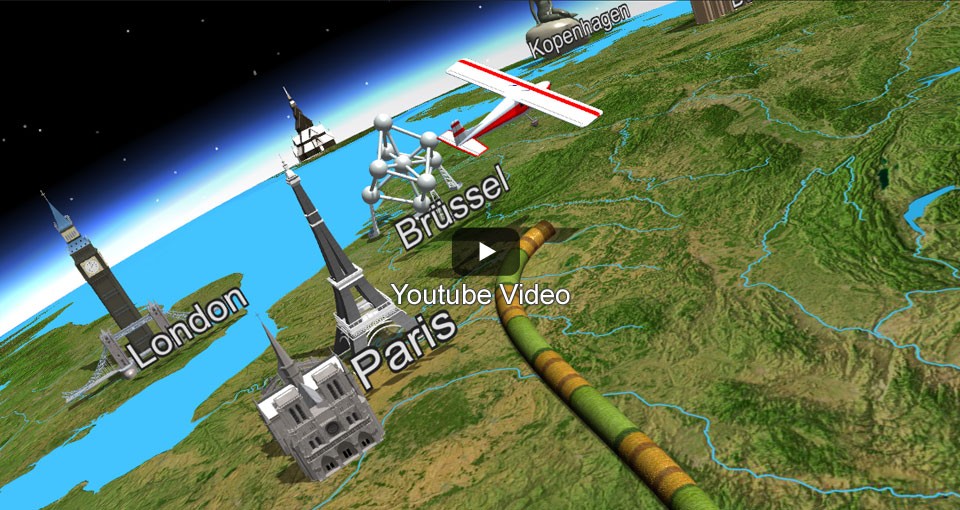
Laugh together once more at the moments you shared along the way. Cartoon models give your journey a playful touch. Small towns, colourful coastlines and charming characters create a cheerful setting. Let the example video inspire a holiday film that tells the lighter side of your travels too.
Our Earth – a bird's-eye view of adventures ahead
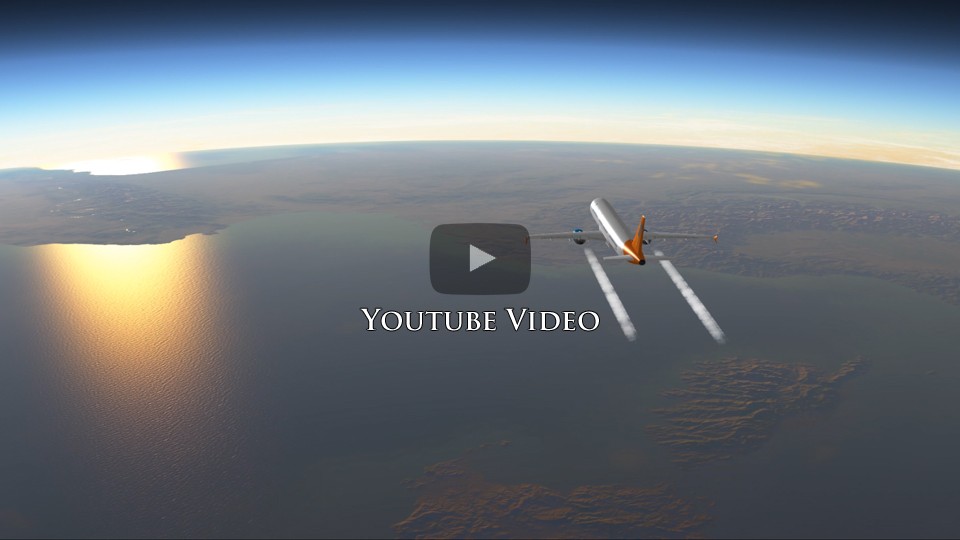
From a distance, your route becomes part of the wider world. With SatMapPro 2, natural landscape textures, colourful coasts and oceans frame your journey. The example video shows how a view from high above can awaken the desire to explore, before the camera draws closer to the places in your story.
Give your destination its moment in the spotlight
The whole Earth is still in view. Then your holiday destination draws closer, and its flag sets the scene. Choose from 150 national flags and overlay the right one on the country on your map. Adjust transparency and let the flag fade in or out depending on the camera zoom. Combined with Fly In and Fly Out, it creates an opening that takes your viewers straight to your destination.
Back to your journey with one click
As you create, your gaze wanders across the landscape. Which angle shows the bay at its best? Where does the mountain road look most impressive? The focus point function brings the camera back to the action with one click. Keep your bearings as you explore your scene manually and concentrate on finding the right view.
An opening that makes you want to come along
The Earth turns, your destination draws closer and the journey begins. With Fly In and Fly Out, choose from 23 opening and 23 closing animations with a click.
Flat maps offer 18 animations for each. A title or personal farewell gives your film an individual touch from beginning to end.
Where the waves meet the shore
The ferry leaves the dock, small waves move through the harbour and the city begins at the shoreline. To make land and water fit your own detailed map, you can import an additional land mask, for example from Vasco StreetMaps. It defines the water areas where waves should appear, keeping the movement where it belongs – on the water.
From the first sunlight to the evening glow
You set off in the morning, the landscape shines in the midday light and you reach your destination in the evening. Let viewers experience that passing day in your animation too. Set different times of day at the stops along your route. The sun's position, light and shadows change throughout the journey, making the passage of time visible – like a time-lapse if you wish.
Bring your travel world to life
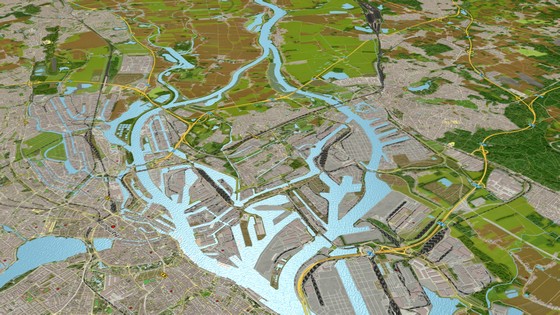
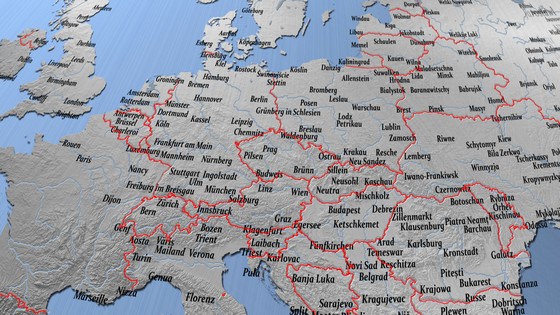
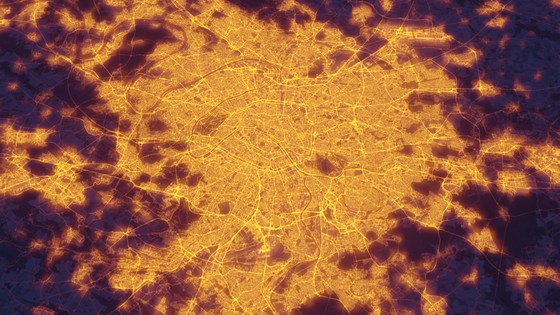
A familiar place name, the border of the next country on your trip, a city's sparkle after dark: these details give your journey orientation and atmosphere. Add city names, country borders and city lights to your maps. Two display styles are available for city names, while the land mask separates land from water. Depending on your selection, map layers are available up to level 10. Shape the surroundings through which your journey unfolds.
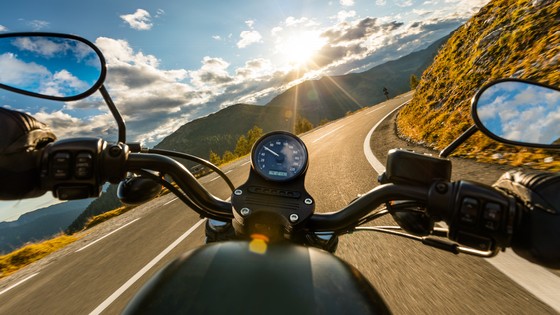
Around every bend, closer to your holiday
A coastal road, the next hairpin bend and a different view around every corner: show the pleasure of travelling in your animation. In Easy Motorcycle mode, your motorcycle leans into bends automatically. One click activates the cornering tilt, which works for bicycles too. Give your tour the movement that belongs to it.
Take off – and let the anticipation soar
The aircraft takes off, everyday life falls away and your destination draws nearer. Easy Flight mode automatically creates take-offs, landings, turns and banking movements with one click. The altitude is calculated from the flight route and can be adjusted as needed. Available in Easy Assist and Expert mode, it makes the journey itself part of the excitement.
Turn your travel idea into your first film
The route is on your holiday map, the memories already in your mind. Quick & Easy Assist brings them together: build your route or import your GPS track, choose a vehicle and let the journey begin. Text and stop durations give each destination room to unfold; a compass rose or a navigation globe with a position marker helps viewers follow the route.
Your travel film grows with every idea. Switch to Expert mode to develop the scene further, until your animation tells the story just as you remember it.
A companion for your creative travel ideas
Want to understand a setting more closely or try a new creative idea? The PDF manual guides you through the possibilities of Vasco da Gama 20 and helps you discover the right functions for your project.
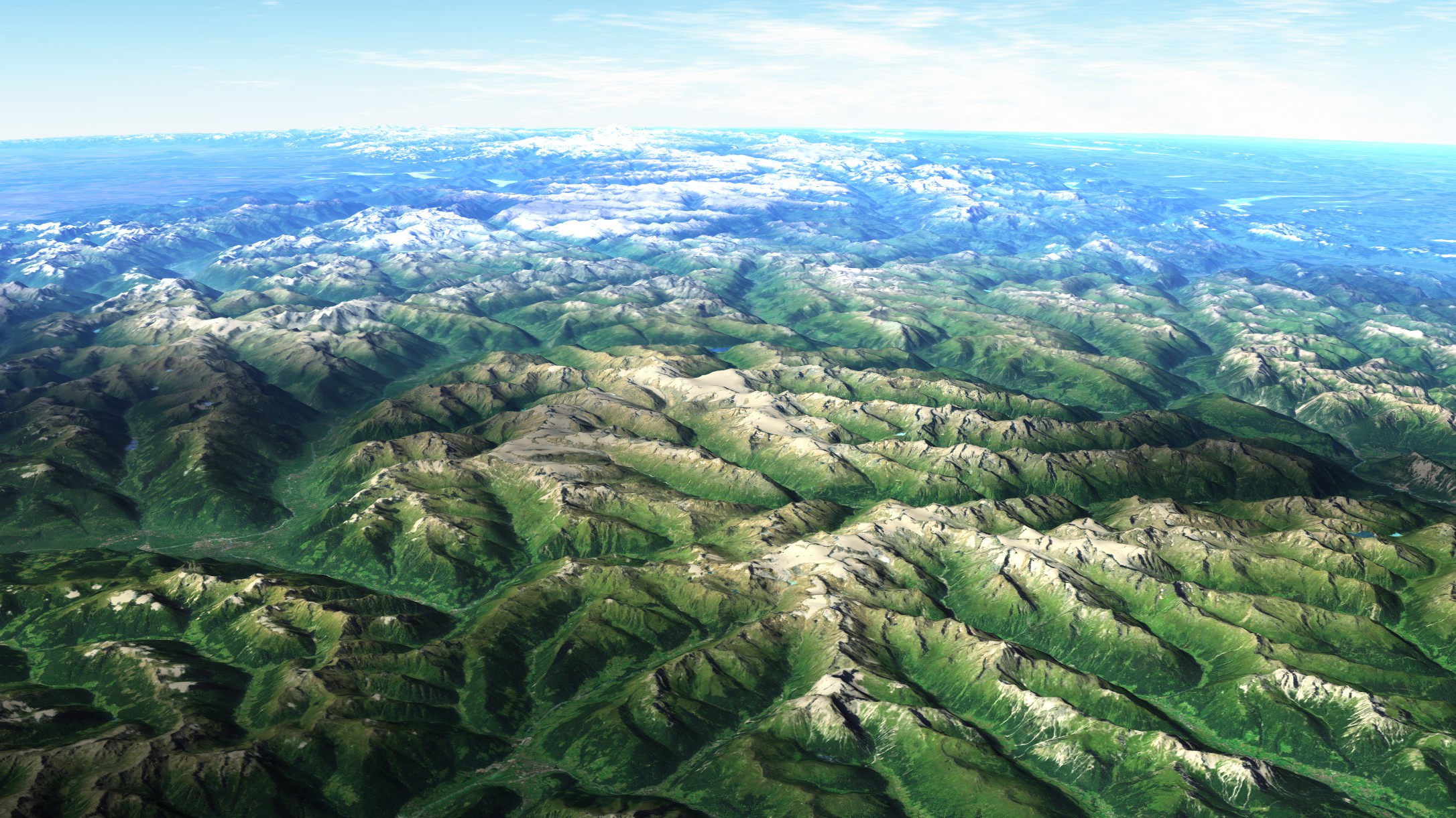
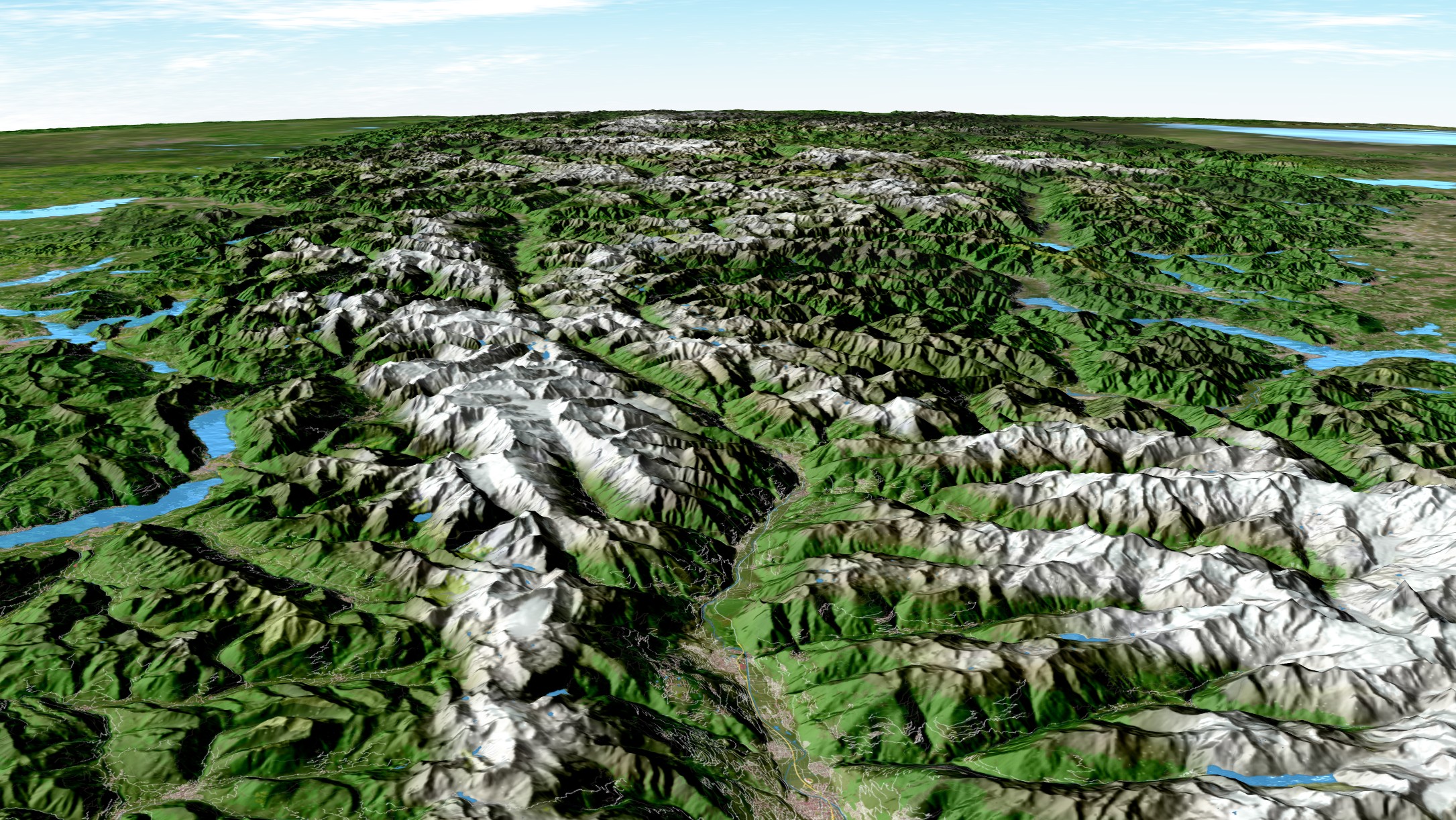
Over 4.5 million places and more than 500 million elevation points – for finer mountain landscapes and destinations down to the smallest holiday village.
A favourite place, a grand tour or a family holiday full of little adventures: turn it into a film you will enjoy watching together. Try Vasco da Gama free or discover the edition that suits your travel ideas.
Please note: Some images include additional object and/or map packs or were created with Vasco da Gama 20 HD Ultimate. These additional packs are not included in Vasco da Gama 20 HDPro XXL or HDPro and must be purchased separately.
Vasco da Gama 20 – Videos
Discover what's new in Vasco da Gama 20 and find new ways to bring your favourite travel memories to life.
More example videos
Older example videos also show previous software versions and additional packages.
Over 4.5 million places and more than 500 million elevation points – for finer mountain landscapes and destinations down to the smallest holiday village.
Over 4.5 million places and more than 500 million elevation points – for finer mountain landscapes and destinations down to the smallest holiday village.
Microsoft Windows 7, 8, 10 or 11 (64-bit versions)
At least 8 GB RAM
20 GB of disk space for the program installation
3D graphics card with at least 2 GB of graphics memory and support for OpenGL 3.3 or later
NVIDIA GeForce, AMD Radeon or Intel UHD Graphics, no more than 6 years old, with current drivers from the manufacturer.
Download version
The download version does not require a Blu-ray drive. The download remains available to you for 5 years after purchase.
Please keep a backup of the downloaded installation files, for example on an external hard drive. This allows you to install the software offline at a later date, even after the 5-year period has expired.
Compare features
Compare the features and included packages of Vasco da Gama 20.
Vasco da Gama 20 HDPro
Your introduction to the world of route animation.
All the new V20 features, your own photos and suitable vehicles – for personal travel animations in Full HD and Ultra HD.
Over 4.5 million places and more than 500 million elevation points – for finer mountain landscapes and destinations down to the smallest holiday village.
Atmospheric sunlight with visible sunrays and seven new lens flare styles
YES
YES
YES
Lifelike trails with the new particle system for contrails, wakes, smoke and steam
YES
YES
YES
Vehicles that automatically adapt to slopes, descents and sideways inclines
YES
YES
YES
Night-time travel scenes with headlights, navigation lights and illuminated windows
YES
YES
YES
Keep text and images visible in front of the terrain or let the landscape obscure them
YES
YES
YES
Gently fade objects and text in at the start and out at the end of the route
YES
YES
YES
Smoother camera movements during large zooms and changes in route speed
YES
YES
YES
Contextual Mini Help directly beside buttons and input fields
YES
YES
YES
Faster list selection using the mouse wheel and keyboard, with clearer object highlighting
YES
YES
YES
Reopen projects more easily with extended image searches and adjustable EarthMaps paths
YES
YES
YES
More lifelike 3D models with finer surface textures and details that appear sculpted
YES
YES
YES
Up to four times faster previews in complex projects thanks to a fundamentally redesigned 3D engine
YES
YES
YES
More features and included content
Quick & Easy Assist 3
YES
YES
YES
Depth of field effect
YES
YES
YES
Easy flight mode (flight movements with just one click)
YES
YES
YES
Switchable clouds
YES
YES
YES
3D mountain landscapes
YES
YES
YES
Simulation of ocean waves with solar reflections
YES
YES
YES
Reflections of objects, texts and mountain landscapes on the sea
YES
YES
YES
64Bit processor support
YES
YES
YES
Multi-core processor support
YES
YES
YES
Optimized display quality (latest technologies)
YES
YES
YES
Creation of stereoscopic 3D videos
YES
YES
YES
Drones camera work
YES
YES
YES
Automatic camera control with camera profiles
YES
YES
YES
Fixed camera mode for motionless cards
YES
YES
YES
Manual camera work with keyframes
YES
YES
YES
Placing objects and texts at checkpoints
YES
YES
YES
Text at stopover points
YES
YES
YES
Adjustable route color, style and width
YES
YES
YES
Using your own 2D objects (images) as head objects, key objects or free objects.
YES
YES
YES
Adding national borders
YES
YES
YES
Save videos as MP4, Raw DV, AVI DV type 1/2, VfW, AVI (DirectShow), Windows Media Video (wmv), QuickTime (mov) and as image sequences (JPG, BMP, TGA and PPM)
YES
YES
YES
Hide/show texts and objects at checkpoint
YES
YES
YES
Adjustable route color, style and width
YES
YES
YES
Acceleration and deceleration at checkpoints
YES
YES
YES
Free positioning of text and objects
YES
YES
YES
Different fonts can be used simultaneously
YES
YES
YES
Integration of own photos
YES
YES
YES
Particle animation, e.g. real smoke from steam locomotives
YES
YES
YES
Simulation of animated turns, arrivals and departures of objects
YES
YES
YES
Free camera movement (camera zoom, position, tilt and angle)
YES
YES
YES
Light and shadow effects adapt to the position of the sun (the month and time can be freely selected), e.g. the sunrise or sunset
YES
YES
YES
Alternative control dial mode
YES
YES
YES
Quick save button for projects
YES
YES
YES
Simple map mode
YES
YES
YES
Enhanced map mode
YES
YES
YES
Simple camera mode
YES
YES
YES
Uniform timeline
YES
YES
YES
Undo function
YES
YES
YES
Import of GPS tracking routes (formats such as CRS, G7T, GPX, KML, TCX, OVL and others)
YES
YES
YES
Analysis of GPS data from images, allowing for images to be placed automatically in the location where they were taken.
YES
YES
YES
Support of High Definition Video HDV, HDTV, 4K and Ultra HD
YES
YES
YES
Start of the route with exact time data
YES
YES
YES
Simulate up to 10 independent routes at the same time (rallies)
YES
YES
YES
Different speeds can be set for the selected objects
YES
YES
YES
Improved preview, i.a. the setting of mark in/out points
YES
YES
YES
3 basic world maps (Blue Marble, Classic Sat and Classic Earth
YES
YES
YES
Library with 3D objects
approx. 350
approx. 350
over 7,800
Number of GPS database entries of cities, capitals and villages
365.269
4.526.205
4.526.205
Degree of detail (map size in pixels) for land mask, night lights, city names and country borders
65.536 (0.26 GB)
262.144 (1.81 GB)
262.144 (1.81 GB)
Degree of detail (map size in pixels) for mountain landscape
65.536 (0.22 GB)
524.288 (9.75 GB)
524.288 (9.75 GB)
Object package «Landmarks» With 5,115 detailed 3D objects from 210 cities – for destinations you recognise at a glance
NO
NO
YES
Object package «Airplanes & Airlines 8» With over 16,000 aircraft variants including airline liveries – take off once more with your familiar airline
NO
NO
YES
Object package «Ships & Boats 6» With over 650 model variants – from a leisurely sailing trip to an unforgettable cruise
NO
NO
YES
Object package «Vehicles 3» With 387 vehicle models – return to your holiday route by car, motorbike or motorhome
NO
NO
YES
Object package «Wildlife of the World» With 300 animal models from seven habitats – for lively safaris, animal families and memorable encounters with nature
NO
NO
YES
Object package «Cartoons 3» With over 300 cheerful cartoon objects – for playful travel animations and a fun film evening
NO
NO
YES
Object package «Airports Germany» With 16 airport complexes, numerous airport vehicles and other matching models – so your holiday memories begin at take-off
NO
NO
YES
Earth Maps Adventure With Winter Map, Rough World, Political Map 1, Political Map 2
NO
NO
YES
Earth Maps Aesthetic With Brushed Metal, Silver-Bronze, Old Paper World, Juicy World
NO
NO
YES
Earth Maps Classic With Blue Marble NG, Natural Earth 2, Natural Earth 3, World Relief Map
NO
NO
YES
Bonus Map "Moon"
NO
NO
YES
Bonus Map "Mars"
NO
NO
YES
Vasco da Gama 20 HDPro
Your introduction to the world of route animation.
All the new V20 features, your own photos and suitable vehicles – for personal travel animations in Full HD and Ultra HD.
Over 4.5 million places and more than 500 million elevation points – for finer mountain landscapes and destinations down to the smallest holiday village.