Vasco da Gama 20 · The new video training course
Turn travel ideas into impressive animations.
Watch, understand and create: your video encyclopedia guides you from your first route to an atmospheric travel story.
Recorded entirely from scratch
The video course at a glance
Discover the possibilities behind your travel ideas.
From your first route to an atmospheric travel animation: discover how the course helps you bring your own travel stories to life.
Video training course for Vasco da Gama 20
Learn what makes your journeys special
Turn your travels into impressive animations and get to know Vasco da Gama 20 in depth! Over 100 lessons across 18 chapters and nearly six hours packed with practical knowledge take you from your first route to ambitious travel projects. Discover your video encyclopedia of travel route animation, with clear examples and detailed explanations you can follow along with.
Created from scratch for Vasco da Gama 20
Every lesson has been newly developed and recorded entirely using Vasco da Gama 20. Enjoy a course designed from the ground up, with a new learning sequence, additional topics and examples taken directly from version 20. Beginners get an accessible introduction, while experienced users deepen their knowledge.
Now also available in French and Italian
The complete video course is now available in four language editions: German, English, French and Italian! French- and Italian-speaking users can now enjoy every lesson in their own language and follow each step with ease.
Deutsch · English · Français · Italiano
Create travel routes and use the features with confidence
Start with Easy Assist or Expert mode and build your own journey step by step. Connect multiple stages, switch between vehicles and present landmarks and labels effectively. Learn to use GPS tracks, align your own maps, fine-tune camera movements and export your finished animation as a video.
Discover atmospheric night journeys and vehicle lighting, moving clouds, and water with waves and reflections. Learn how to use light, shadows and particle effects, and set up camera fly-ins and fly-outs. Special route lines, elevation profiles and additional object and map packs are also clearly explained.
All 18 chapters at a glance
- Welcome to Vasco da Gama 201 lesson
- Easy Assist – your first journey8 lessons
- Expert mode – your first journey8 lessons
- Build a complete journey11 lessons
- Night journeys4 lessons
- FlyIn and FlyOut4 lessons
- Vehicles, text and landmarks8 lessons
- A route on a flat map with Easy Assist3 lessons
- Create a route from a GPS track3 lessons
- Choose and set up maps10 lessons
- Guide your audience with the camera5 lessons
- Light, atmosphere and the possibilities of VdG205 lessons
- Quality, export and project management3 lessons
- Creative and special applications4 lessons
- Quick help with common questions5 lessons
- Ultimate and additional object and map packs8 lessons
- Tools3 lessons
- Settings windows as a reference11 lessons
Original excerpts · English · about 2 minutes
Watch. Listen. Start learning.
Explore four selected excerpts from the course: vehicle customisation, camera movement, night lighting and adding route points by hand. The preview features the English interface and original English narration, giving you a direct impression of the visuals, voice and teaching style.
Vehicle customisation · Camera movement · Night lighting · Route points
See how you will learn with Vasco da Gama 20
Authentic stills from the new lessons. Open an image to explore the details at full size.
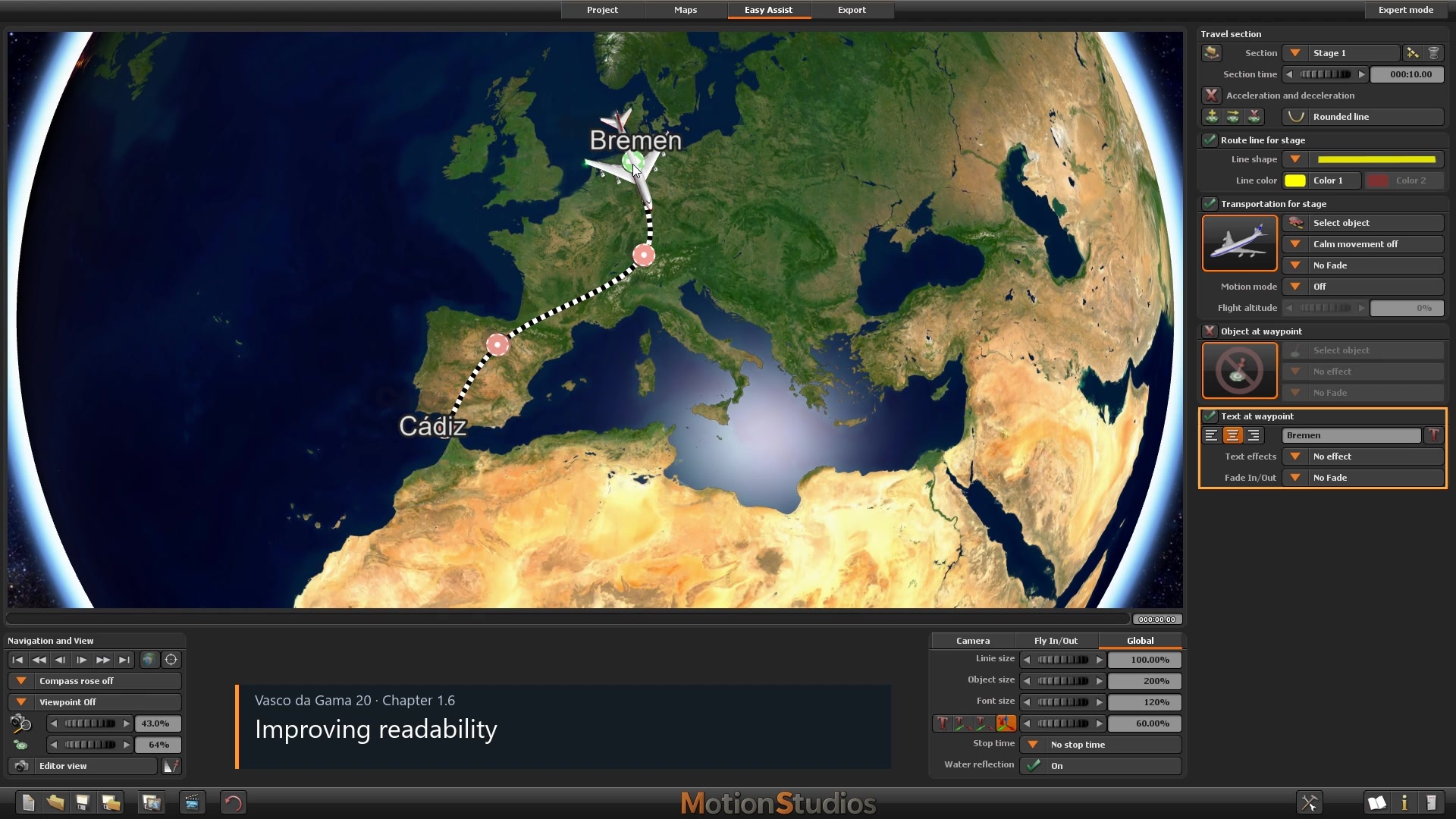
Create your first route
Choose vehicles, adjust labels and give your journey a personal touch with Easy Assist.
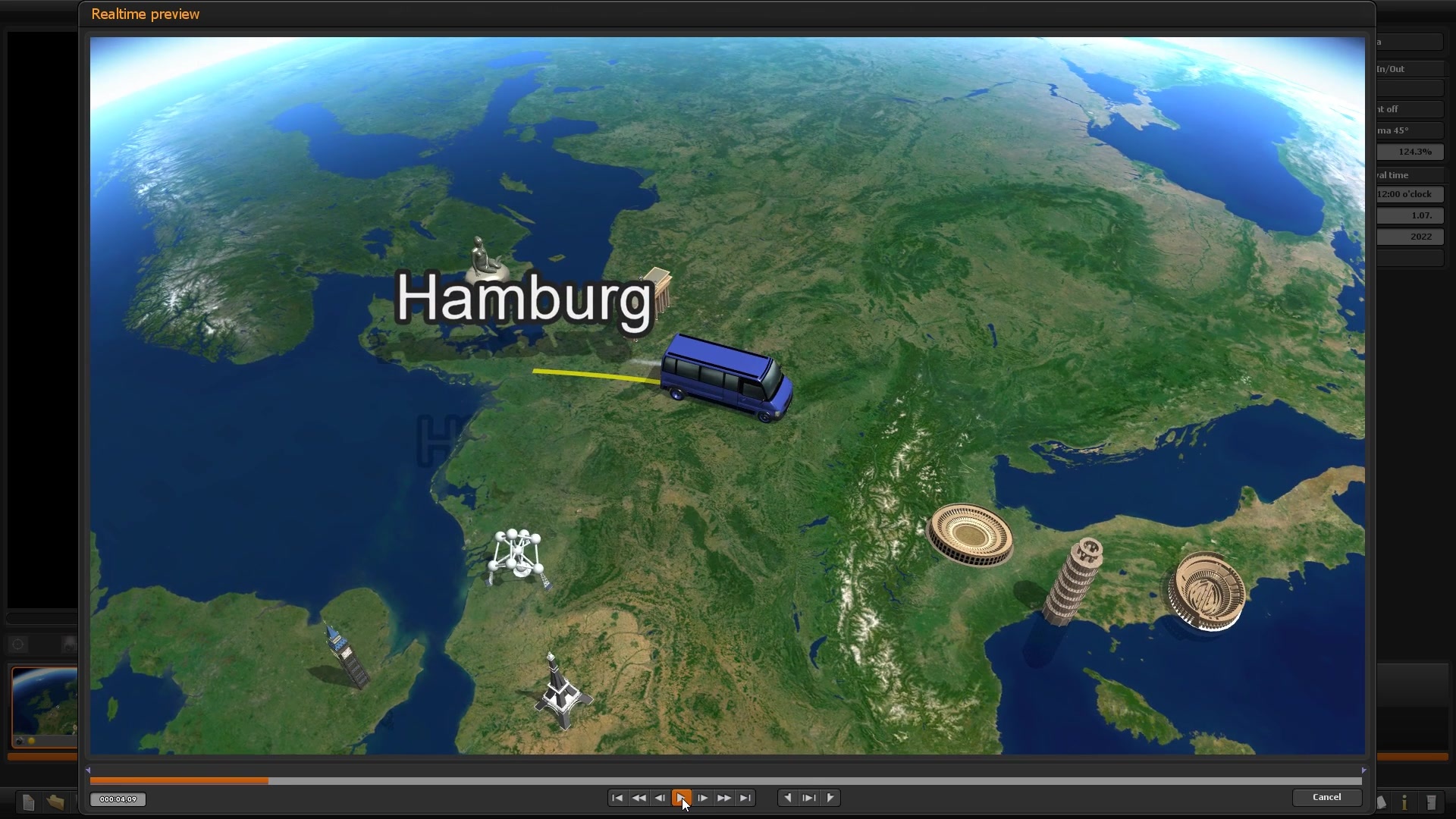
Guide your audience’s view
Fine-tune the camera for your route and combine the stages of your journey into a smooth animation.
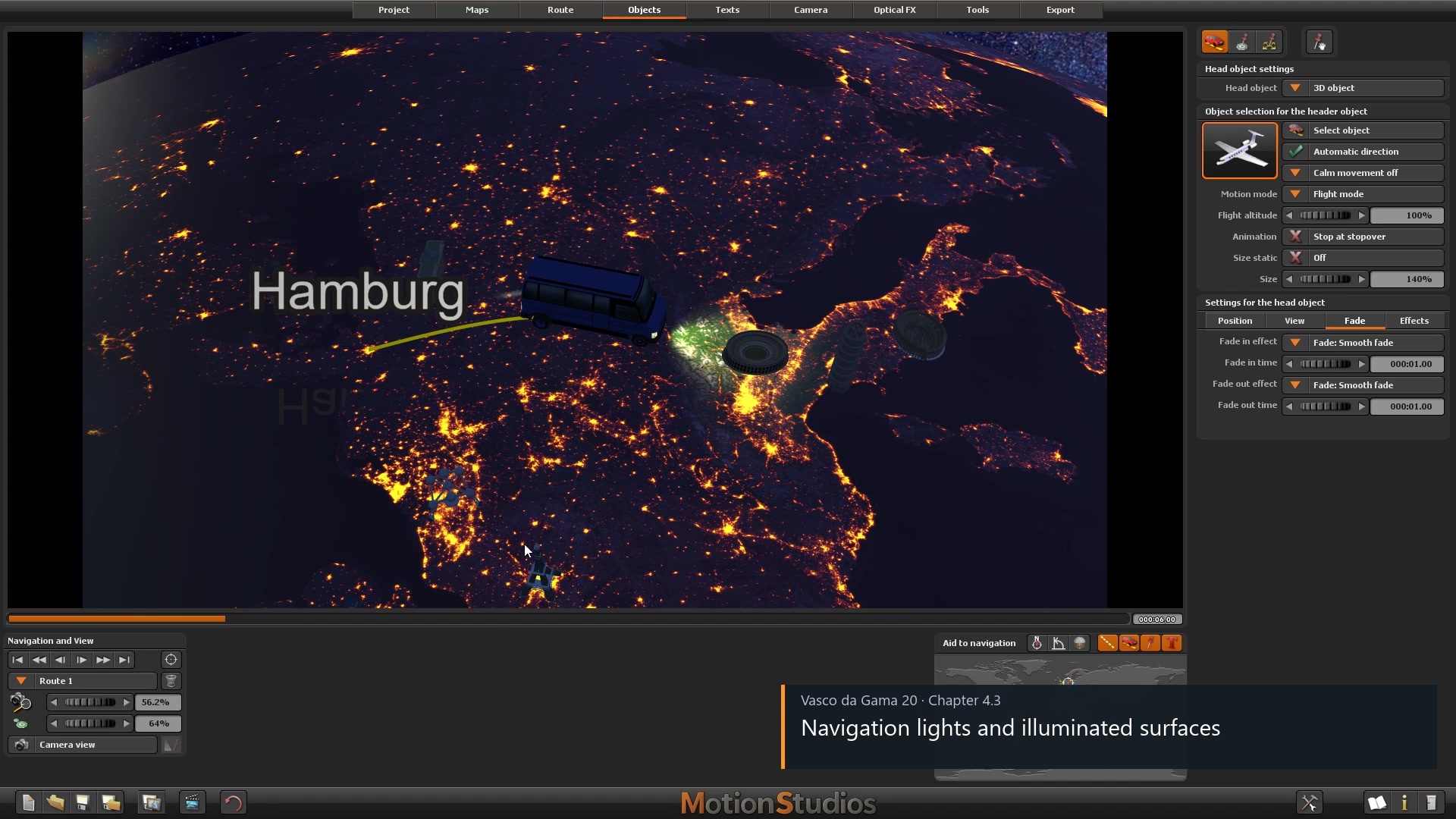
Light up the night
Learn how times of day and vehicle lighting can transform your travel scenes.
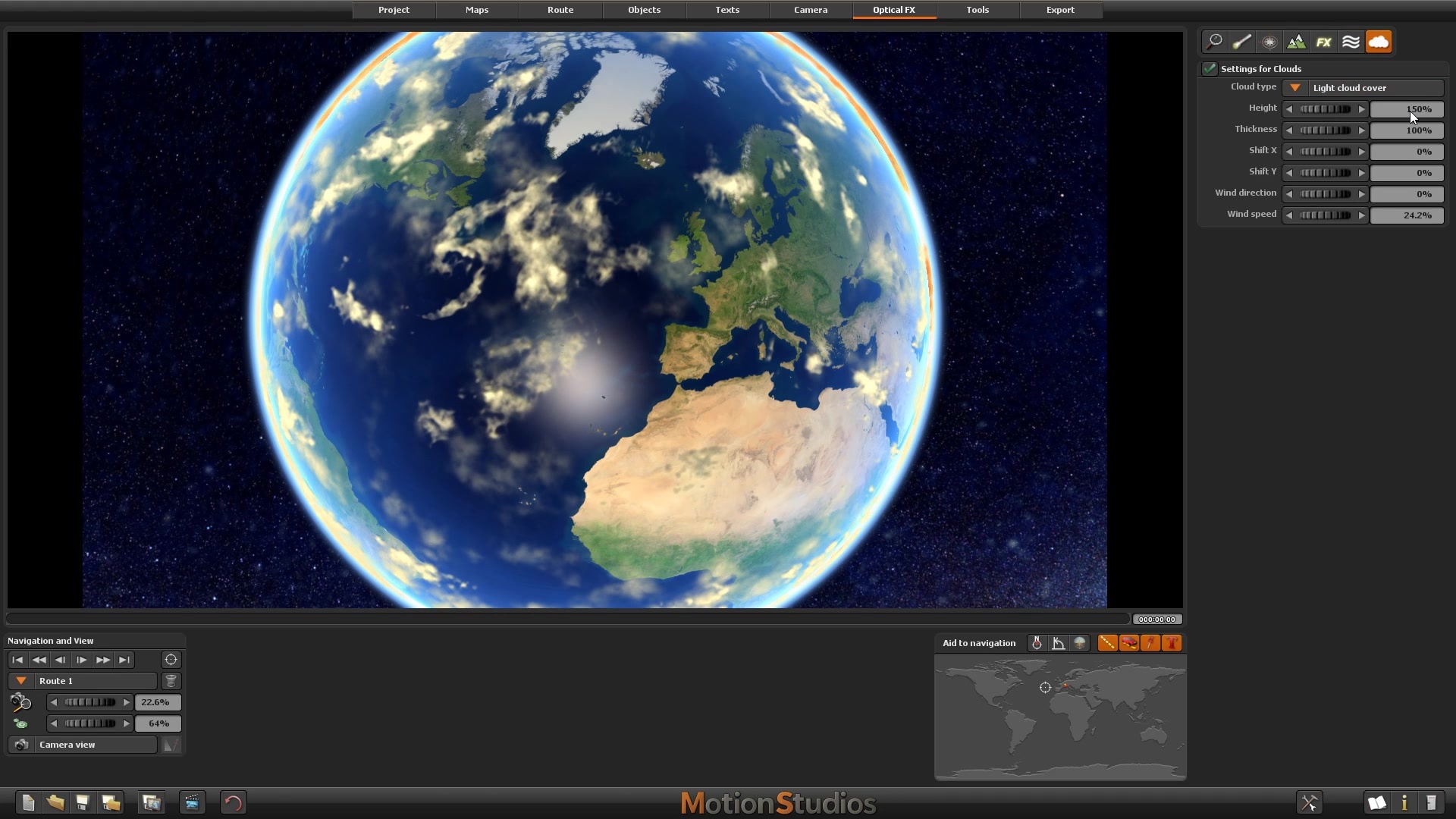
Bring movement to the sky
Use clouds deliberately and adapt their effect to your journey.
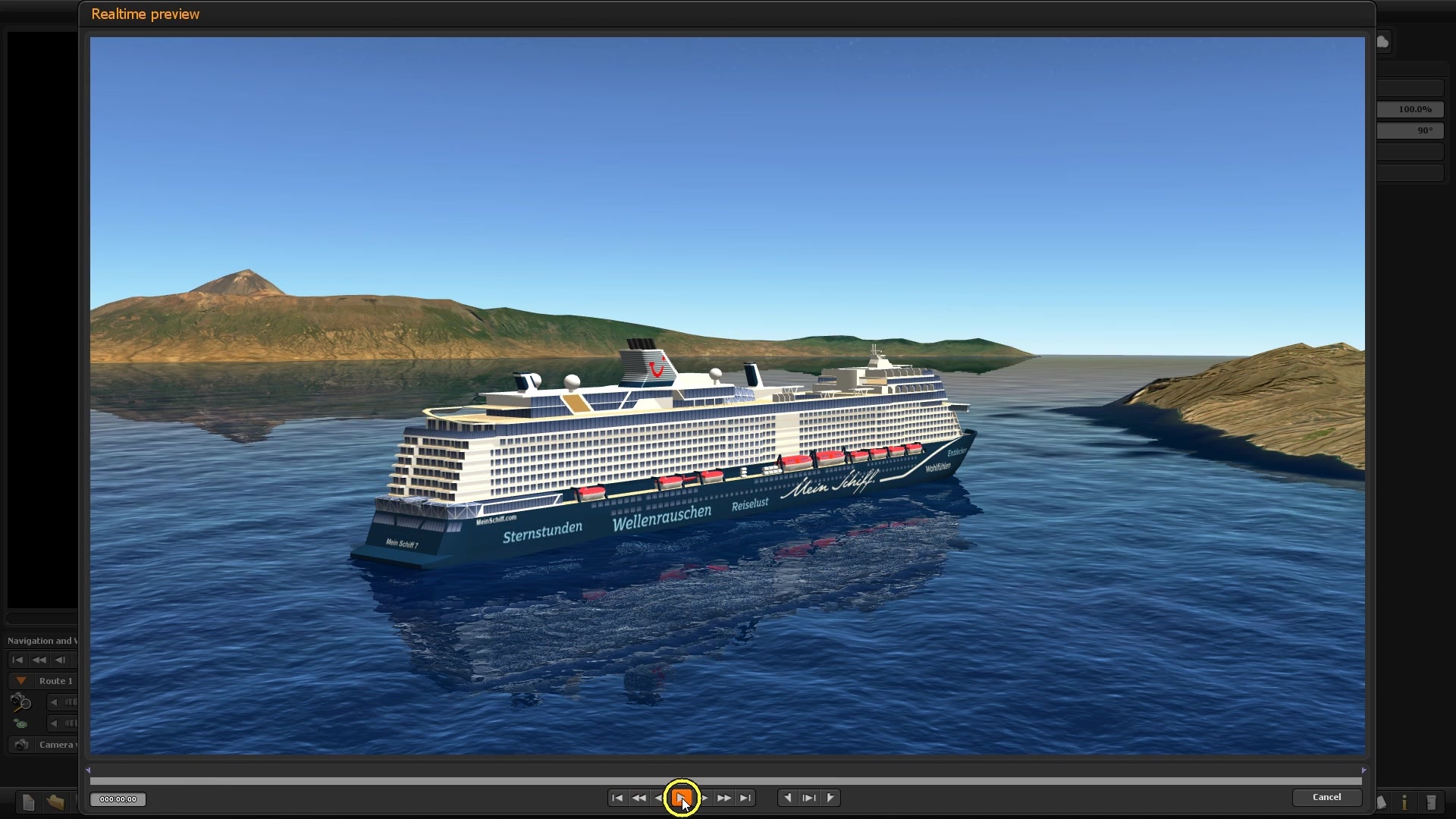
Water with atmosphere
Adjust waves and reflections to suit the ship and camera perspective.
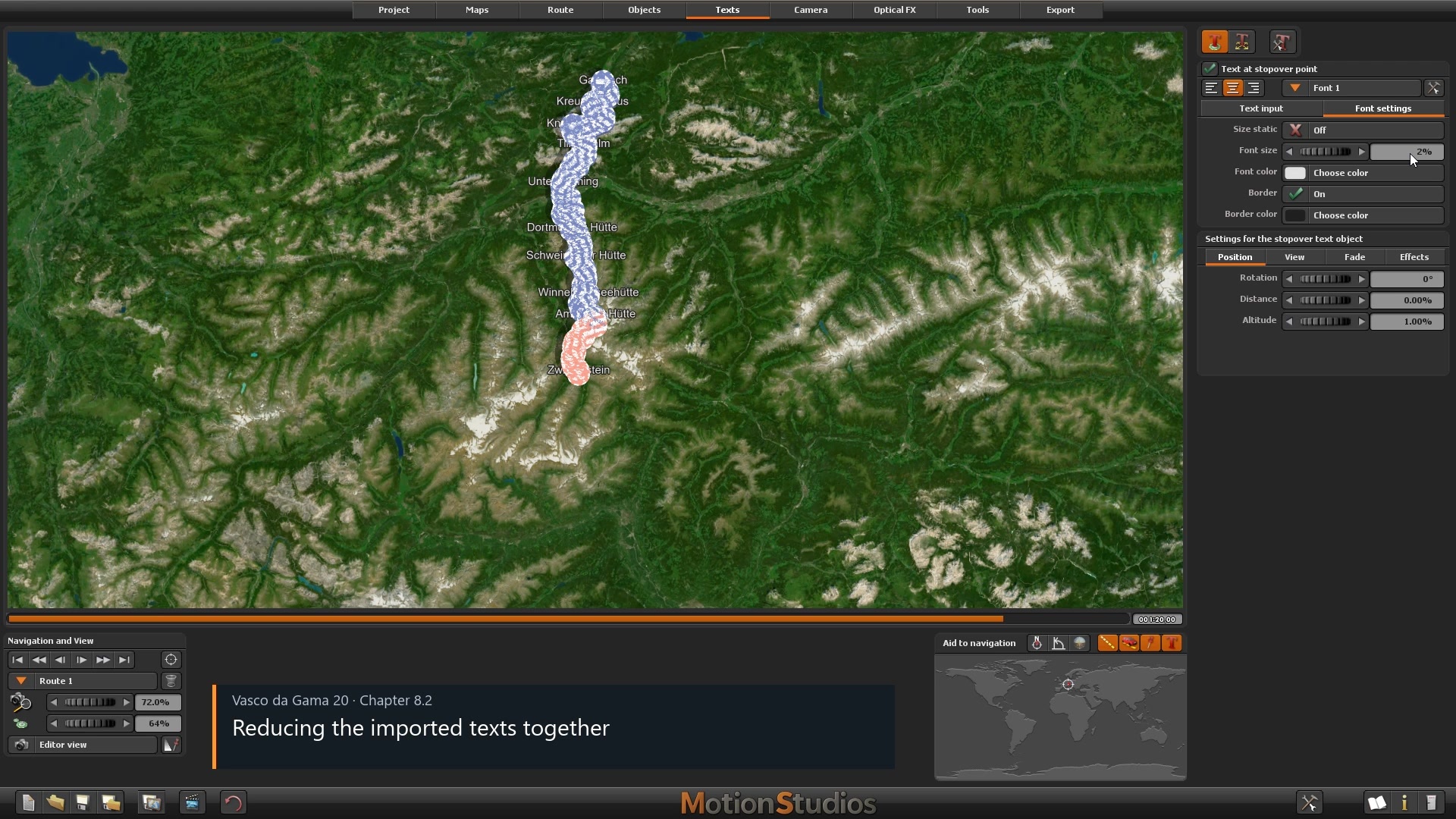
Turn GPS data into your journey
Import recorded routes and learn to adjust waypoints, stages and stop times.
You set the pace. The course helps you stay on track.
Learn more comfortably with the redesigned player
Find the topics you need faster and learn at your own pace. The redesigned course player lets you search lesson titles and descriptions, displays your learning progress and allows you to resume where you left off. Adjust playback speed and add bookmarks to find important moments in a video again with ease.
Find what you need
Search lesson titles and descriptions.
Pick up where you left off
Resume at the last point you watched.
Track your progress
Keep an eye on how far you have come.
Set your pace
Adjust the playback speed.
Save useful moments
Find important passages again with bookmarks.
Your reference guide for big ideas and small questions
Explore a topic in depth or find a quick answer to a specific question: the choice is yours! Dedicated chapters explain key settings windows and the purpose of individual controls and options, and answer common questions. From complex camera movements and GPS optimisation to colour selection and video export, the clearly organised lessons make this course a valuable reference for your everyday work with Vasco da Gama 20.
Your next journey starts with an idea.
Take it further with clear explanations, practical examples and knowledge you can return to again and again.
You might also be interested in


Kreativ Lernkurs Vasco da Gama

Learning course Vasco StreetMaps 15