



FAQ – Frequently Asked Questions about Route Animations & Vasco da Gama
Here you will find answers to common questions about creating route animations for travel videos, documentaries, and presentations – as well as about our software Vasco da Gama and matching add-ons.
- For travel filmmakers, globetrotters, expeditions & documentary filmmakers
- Export route animations as video (for editing & presentations)
- Great results quickly – even without prior experience
- Free demo version to try
- Vasco da Gama sample projects available for download
Basics
Short and clear: what a route animation is – and why it helps in travel videos.
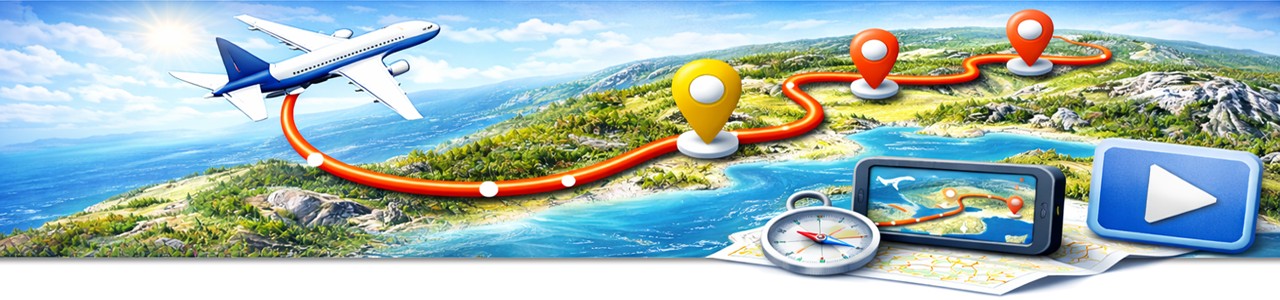
A route animation is an animated visualization of a travel route or path on a map. The start, stops, and destination are shown step by step – making distances, legs, and directions easy to understand for viewers.
Most commonly for travel videos, travel documentaries, YouTube vlogs, presentations, and educational projects. An animated travel route provides orientation, structures your story, and makes the journey easy to follow.
- Car, train, ship, and flight routes
- Cycling tours and hiking routes
- Walking and expedition routes
- Custom routes worldwide
No. Even without prior experience, you can create high-quality route animations without advanced video or animation skills. Vasco da Gama is designed to be easy to start with while still allowing professional results.
Software & Features
Vasco da Gama: what it’s for – and how it helps your travel video.
Vasco da Gama is specialized software for creating professional route animations. Travel routes, flight paths, and GPS tracks can be visualized on maps and exported as video – ideal for travel videos, travel documentaries, presentations, or YouTube.
Vasco da Gama is especially suitable for travel filmmakers, globetrotters, expeditions, and documentary filmmakers who want to present travel routes clearly and visually – without a long learning curve.
Yes. GPS tracks can be imported and displayed as an animated route. This allows you to visualize real travel paths very accurately – ideal for hikes, cycling tours, or off-road trips.
Vasco da Gama is specialized for route animations. Instead of rebuilding maps and movements inside a video editor, you create routes directly on maps – with zooms, camera moves, markers, and a clear workflow.
Workflow & Export
From route to video – so it fits perfectly into your editing project.
Set start/stops/destination → animate the route (markers, zoom/camera moves) → export as video. Many users start with a simple route and refine style and timing afterwards.
Yes. Export the route animation as video and then add it to your editing software – for example as an intro, chapter break, or travel segment.
Your route animation can be exported as a video so you can use it directly in editing software, presentations, or online videos.
Yes. Travel videos often consist of multiple legs. These can be animated one after another so viewers can follow the journey step by step.
Maps & Styles
Map look, readability, and style – so it matches your film.
Yes. Maps can be designed clean and minimal, modern, or illustrative. For additional map styles and visuals, there are add-ons like Vasco StreetMaps.
Yes – route animations are very popular there because they instantly give viewers orientation. Especially at the start of a segment or when switching to a new region, a short route animation looks very professional.
Vasco StreetMaps extends Vasco da Gama with additional map styles that are highly readable and visually balanced – ideal if you want the map to match the style of your travel video.
Yes. Typical stops such as cities, sights, or stages can be highlighted with markers so viewers can grasp the route faster.
Demo & Learning
Try it quickly and learn with confidence – no pressure.
Yes. You can download a free demo version and try the software at your own pace. It’s ideal for getting familiar with the workflow and creating your first route animations.
With our training courses you get clear, step-by-step explanations. Ideal for beginners and advanced users – at your own pace and with practical examples.
The easiest way is to start with the Vasco da Gama demo. Afterwards – depending on your needs – you can add map styles with StreetMaps or deepen your skills with training courses.
You can find more information on our product pages: Vasco da Gama and Vasco StreetMaps.
Get started (free demo)
Download the Vasco da Gama demo and create your first route animation in just a few minutes.
Free and without obligation – perfect for trying it out.
If your question isn’t answered here, please also check the Service section or start directly with the demo version. Many questions are answered quickly while trying it out.