Video Training for Vasco StreetMaps 15
Step by step to maps that inspire!
Discover the possibilities of Vasco StreetMaps 15
and create individual maps for your most memorable journeys.
Clearly explained – watch, follow along and create your own.
Now available in four languages: German, English, French and Italian!
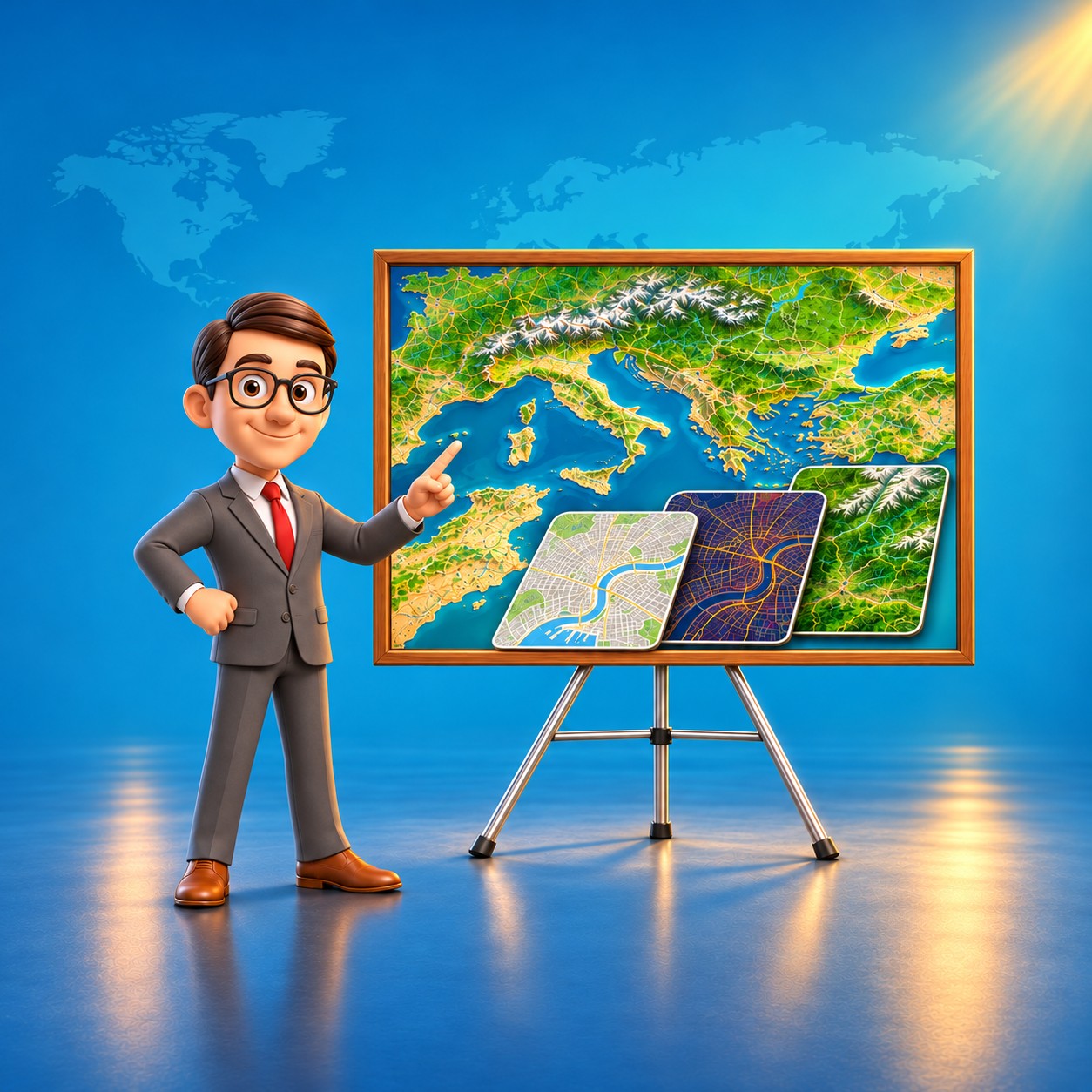
The video course at a glance
Discover the possibilities behind your map ideas.
From your first idea to your own personal map: discover how the course helps you design your own maps with Vasco StreetMaps 15.
From an idea to your own map
Beautiful maps begin with your ideas.
This course helps you bring them to life.
Would you like to create your own maps with Vasco StreetMaps 15 and get to know the program better? This video training course guides you through the process – with clear explanations and demonstrations directly on screen.
Look over the narrator’s shoulder and see how individual settings come together to create a harmonious map. Step by step, gain confidence for your own projects and fresh inspiration for their design.
Follow along directly in the program
See where settings are adjusted and how each step affects the result. Spoken explanations combined with on-screen demonstrations make the process easier to understand and invite you to follow along.
Available in four languages
German, English, French and Italian: Follow the explanations and demonstrations in your language and create your own maps step by step.
Deutsch · English · Français · Italiano
Design maps and use features with confidence
From choosing a map area and adjusting colours, roads and labels to relief views and export: Discover the steps for creating your own maps. The course also explains large maps, tiled maps and using your maps in Vasco da Gama.
All 13 chapters at a glance
- Welcome to Vasco StreetMaps 151 lesson
- Getting started5 lessons
- Finding the right map area6 lessons
- Colour schemes and Magic Edit Mode6 lessons
- Roads, paths and railways5 lessons
- Labels, boundaries and symbols5 lessons
- Land, water and terrain5 lessons
- Exporting maps and land masks6 lessons
- Large maps4 lessons
- Tiled maps for different journeys7 lessons
- Using your maps in Vasco da Gama5 lessons
- A guide to the settings windows6 lessons
- Practical troubleshooting6 lessons
Original lesson excerpts · English
Watch. Listen. Learn.
Take a look inside the lessons and discover how map design with Vasco StreetMaps 15 is explained step by step. The preview features the English interface and the original English narration, so you can get to know the visuals, voice and teaching style before you buy.
See how you learn with Vasco StreetMaps 15
Actual stills from the lessons in the English language version.
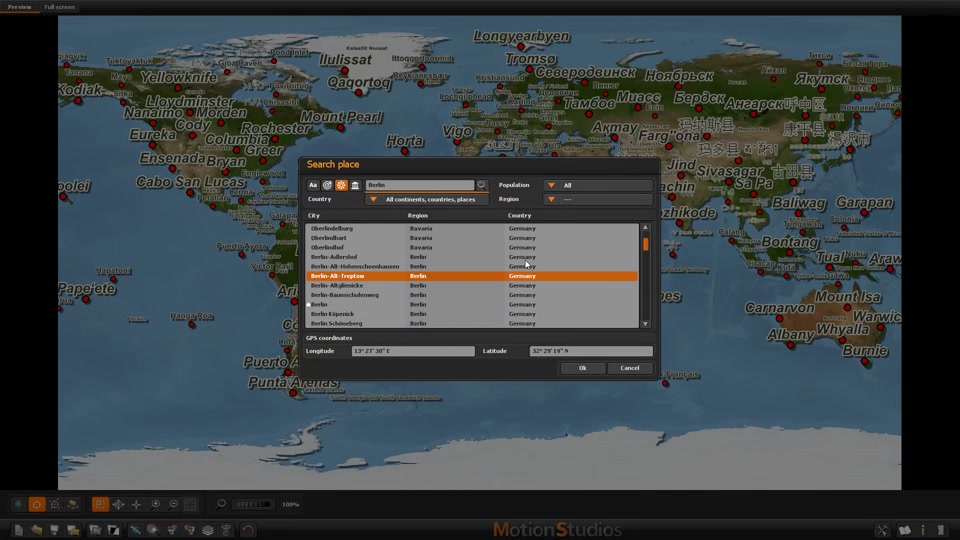
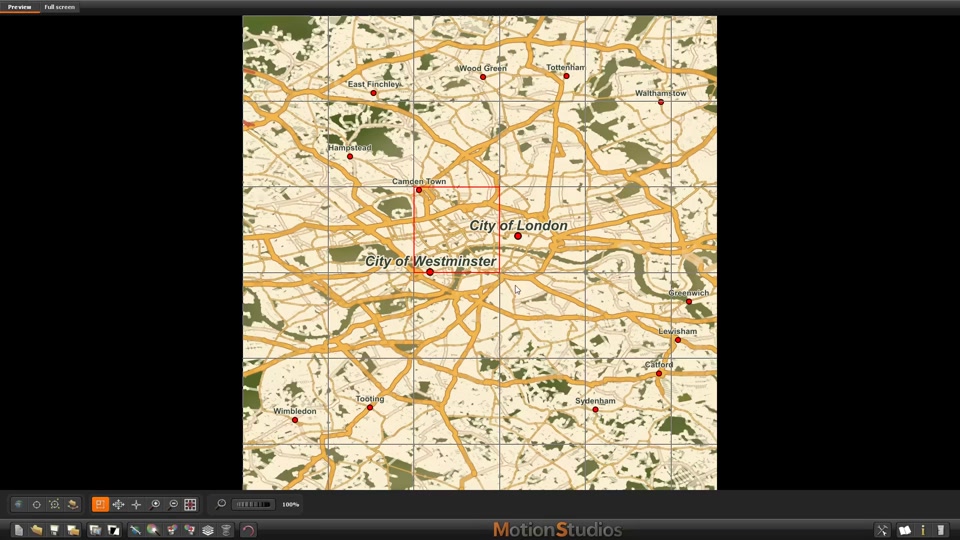
Choosing a place and map area
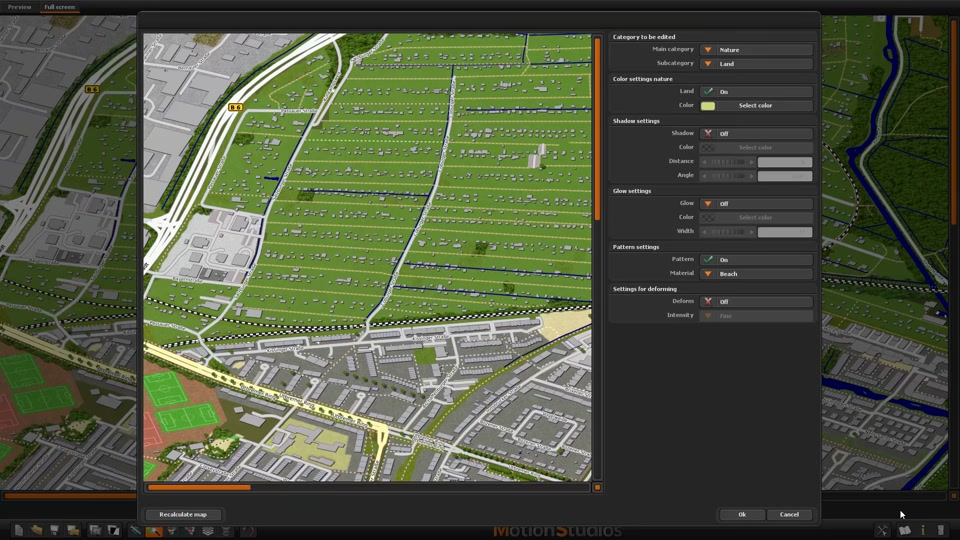
Getting to know Magic Edit Mode
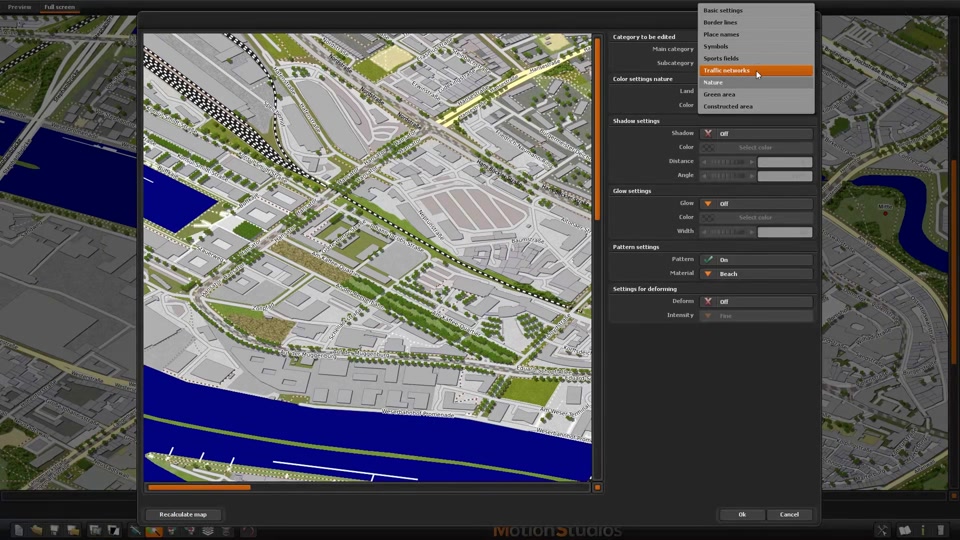
Highlighting bridges with shadows and glow
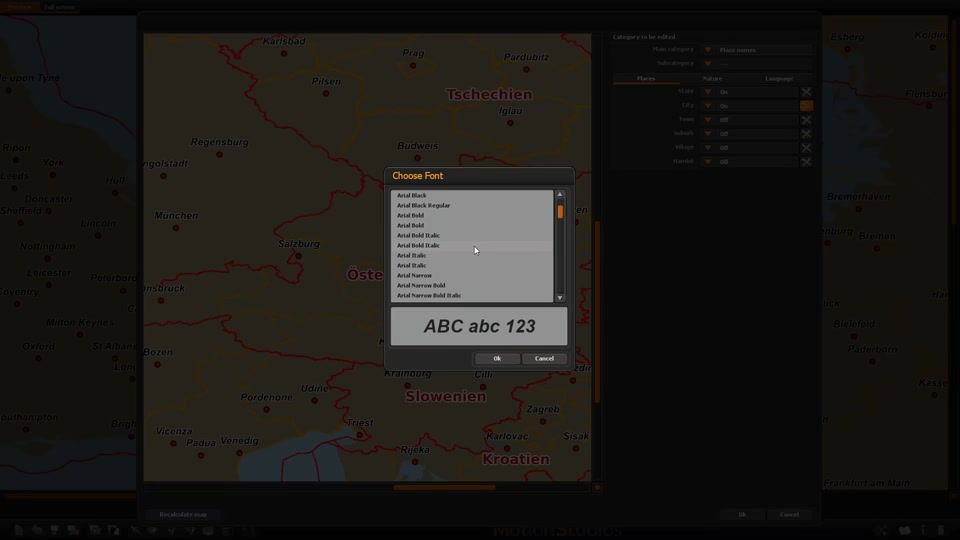
Making labels easy to read
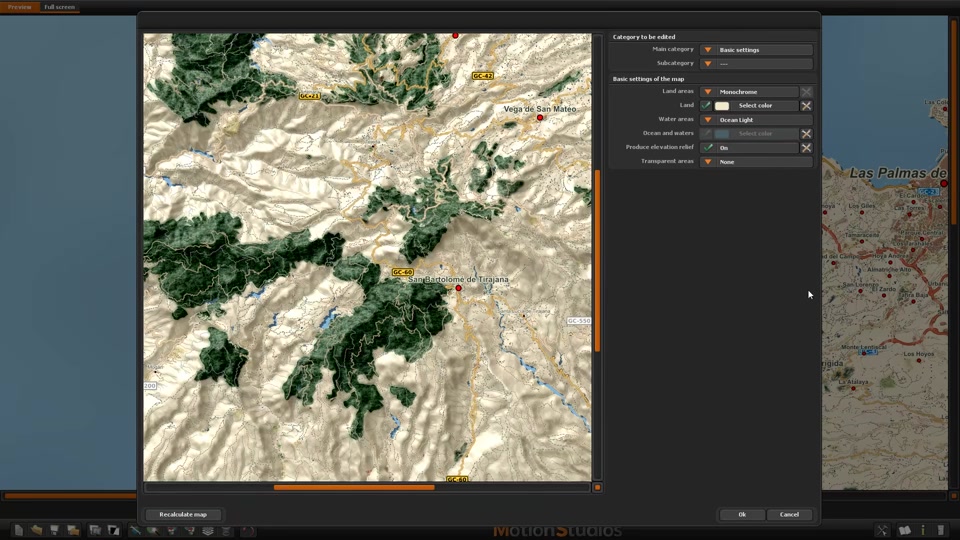
Showing terrain with relief and elevation colours
Importing VSM maps into Vasco da Gama
Give your maps a personal touch
A clear road map for your next trip, a colourful overview of your holiday region or a striking relief map of an impressive mountain landscape: Vasco StreetMaps 15 offers a wealth of design possibilities.
The course helps you make thoughtful use of these possibilities. A beautiful map shows more than places and roads: it draws attention to what matters, captures the atmosphere of a region and gives your journey a character of its own.
Map examples from Vasco StreetMaps to inspire your own designs. These are not stills from the course lessons.
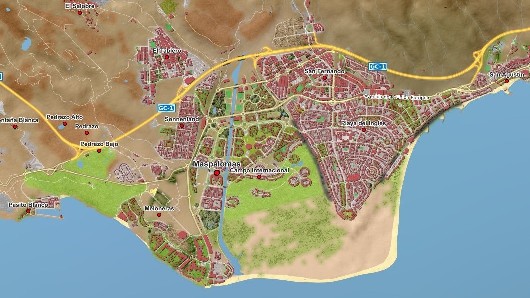
Explore holiday regions
Coastlines, places and roads on a customised map of Maspalomas.
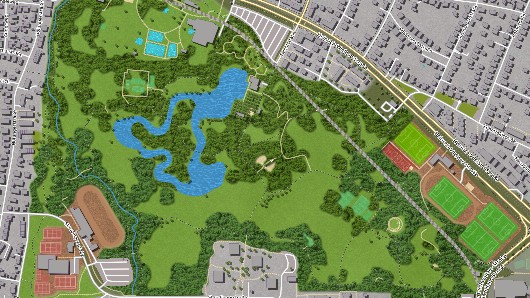
Show cities in detail
Paths, buildings and green spaces on a map of Munich.
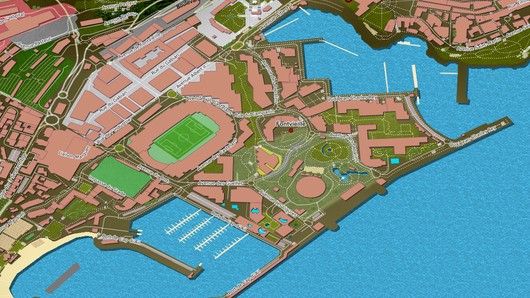
Bring coastlines into focus
Water, roads and harbour facilities on a map of Monaco.
You set the pace. The course helps you stay on track.
Learn more comfortably with the redesigned player
Find the topics you need faster and learn at your own pace. The redesigned course player lets you search lesson titles and descriptions, displays your learning progress and allows you to resume where you left off. Adjust playback speed and add bookmarks to find important moments in a video again with ease.
Find what you need
Search lesson titles and descriptions.
Pick up where you left off
Resume at the last point you watched.
Track your progress
Keep an eye on how far you have come.
Set your pace
Adjust the playback speed.
Save useful moments
Find important passages again with bookmarks.
Your reference for big ideas and everyday questions
Need to look up a setting or solve a specific task? Dedicated chapters explain important settings windows and help with common questions about roads, labels, resolution and map edges. Return to the course whenever you need inspiration or guidance for your map projects.
You decide when to learn and how quickly to progress. Pause a lesson, try a step yourself or listen to an explanation again. Apply what you learn directly to your own mapping projects.
Start with an idea – and turn it into your own map.
Whether for travel videos, presentations or printed travel memories, discover the pleasure of designing maps just as you imagine them.
You might also be interested in

Learning course Vasco da Gama 20
Vasco da Gama 20 HD Professional